[Part 25] Database Queries Through MCP Keep Existing Permissions — QueryPie Community MCP
November 9, 2026
When connecting AI tools to databases, my first concern was who could see what. Necessary order data should remain readable, while separately managed settlements should stay protected by existing privileges.
QueryPie Community includes an MCP server. With MCP Inspector, an order query succeeded while the same account’s settlement query was denied. Both appeared in QueryPie audits.
Starting with the Existing Developer Account
I reused Demo Developer’s Read-Only/Select on Orders Control Lab, adding no privileges for MCP.
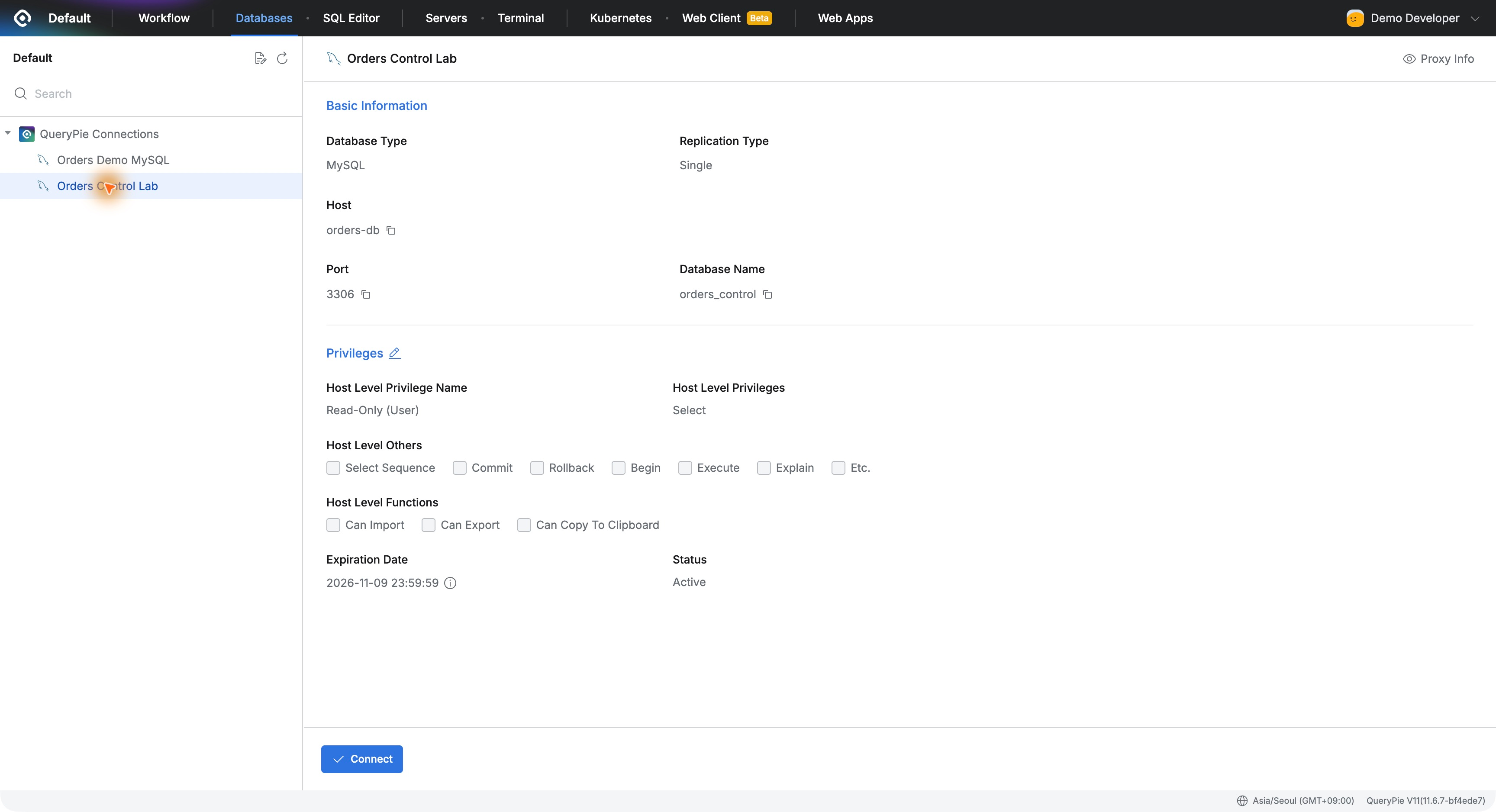
Orders were allowed and settlements restricted. I especially wanted to see that distinction survive the change to MCP.
Connecting MCP to the QueryPie Address
MCP connects tools such as AI clients to external service functions. I used MCP Inspector to inspect requests and responses directly.
I used Streamable HTTP at http://localhost:8000/api/mcp, the QueryPie lab on my Mac. No database password was required in the client.
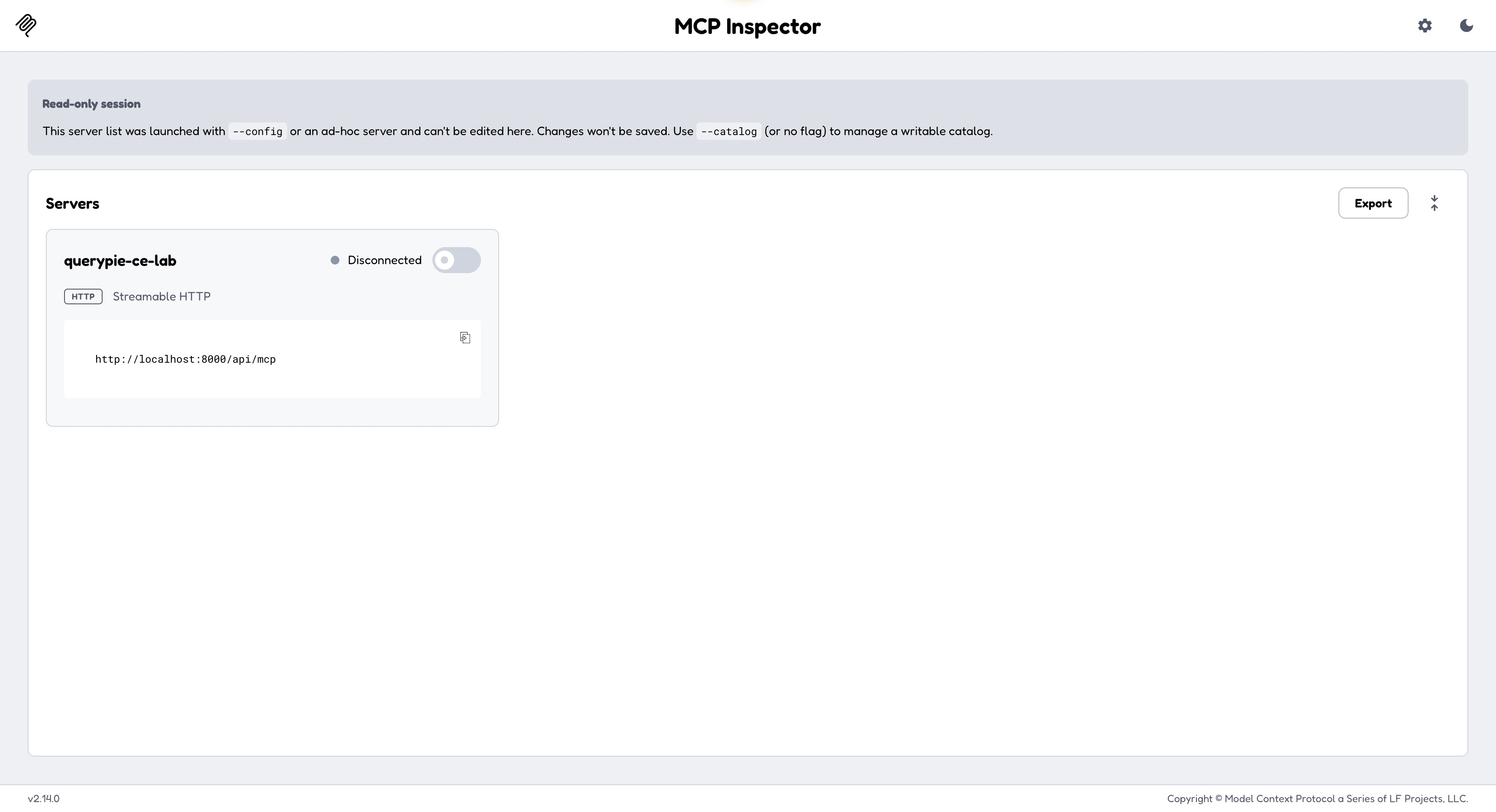
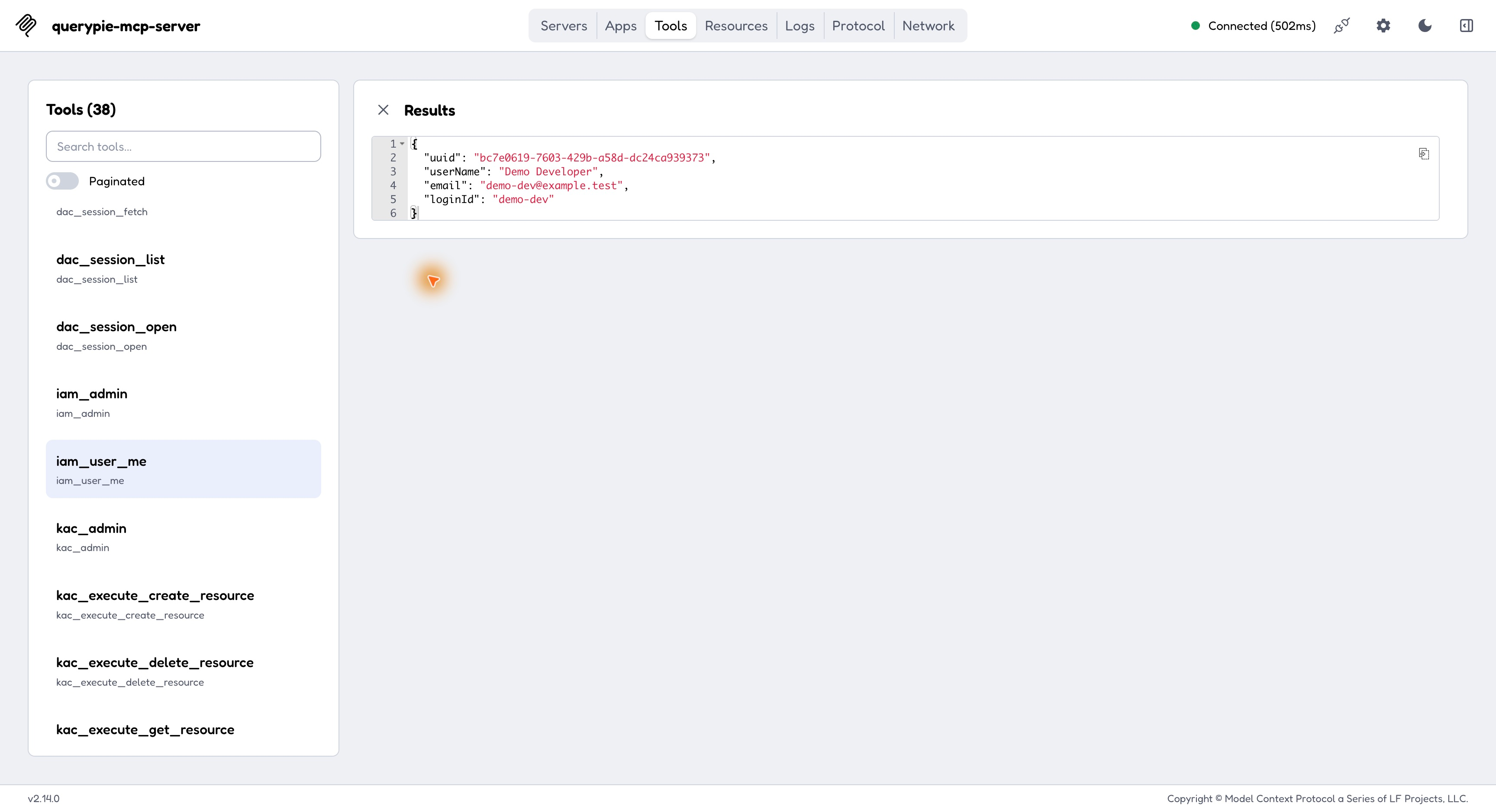
The browser signed in as Demo Developer completed authentication and showed Connected. iam_user_me returned Demo Developer and demo-dev, confirming whose privileges applied.
Selecting the Orders Database from Permitted Connections
dac_list_accessible_connections returned Orders Control Lab and Orders Demo MySQL, the same two shown in the user interface.
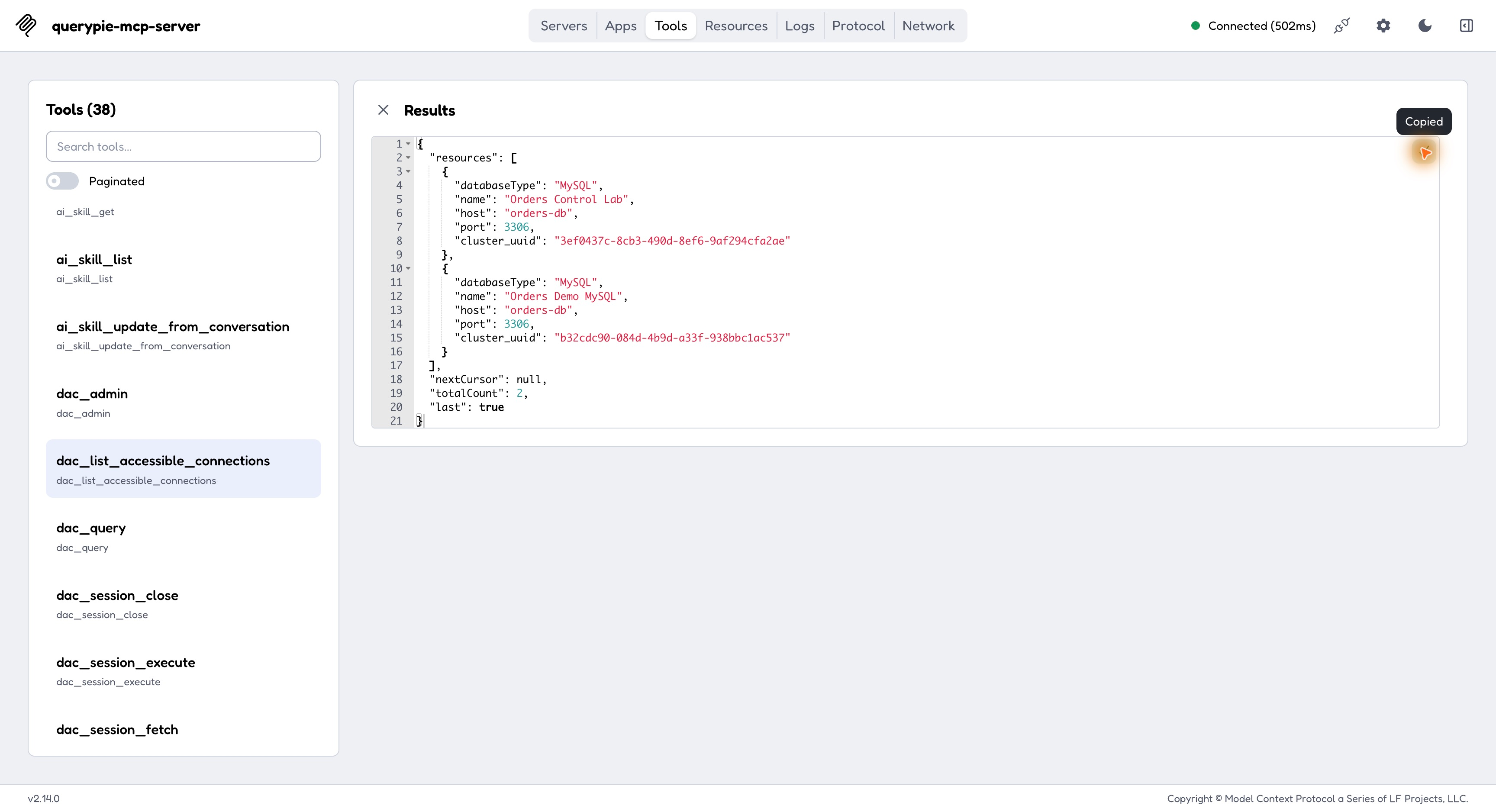
The list included cluster_uuid for the next query. I passed Orders Control Lab’s value to the query tool, reusing registered connections and privileges.
Querying One Order
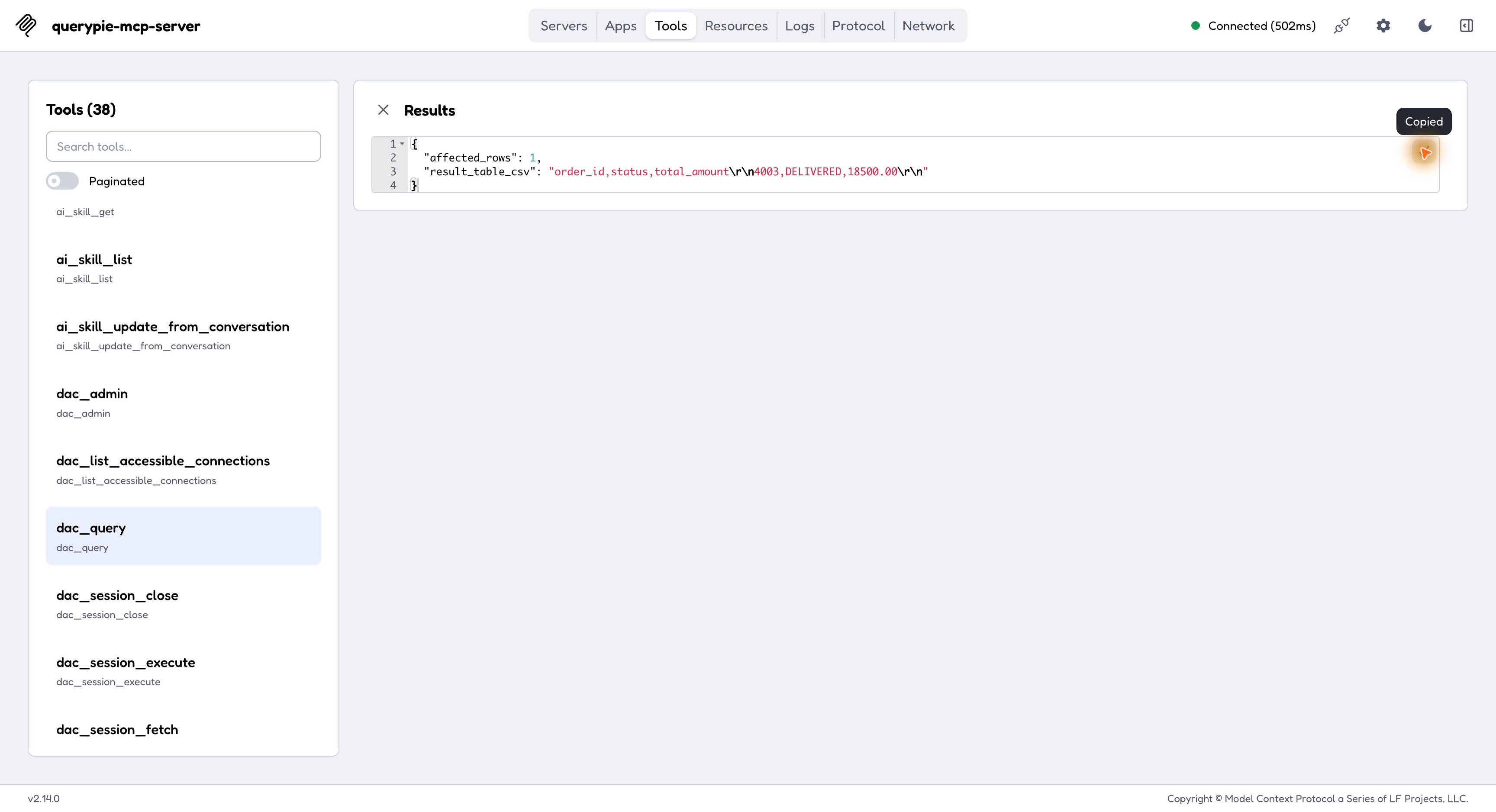
In this version the tool was dac_query. I submitted SELECT for order 4003’s ID, status, and amount.
SELECT order_id, status, total_amountFROM orders_control.ordersWHERE order_id = 4003;
It returned one row: 4003, DELIVERED, 18500.00, confirming the earlier change through MCP too.
The Same Connection Still Denies Settlements
Using the same tool and connection, I selected settlement ID and amount for order 4002 from settlement_details.
SELECT settlement_id, order_id, settlement_amountFROM orders_control.settlement_detailsWHERE order_id = 4002;
Instead of data, the response reported missing table privileges. Access to orders did not open separately protected settlements.
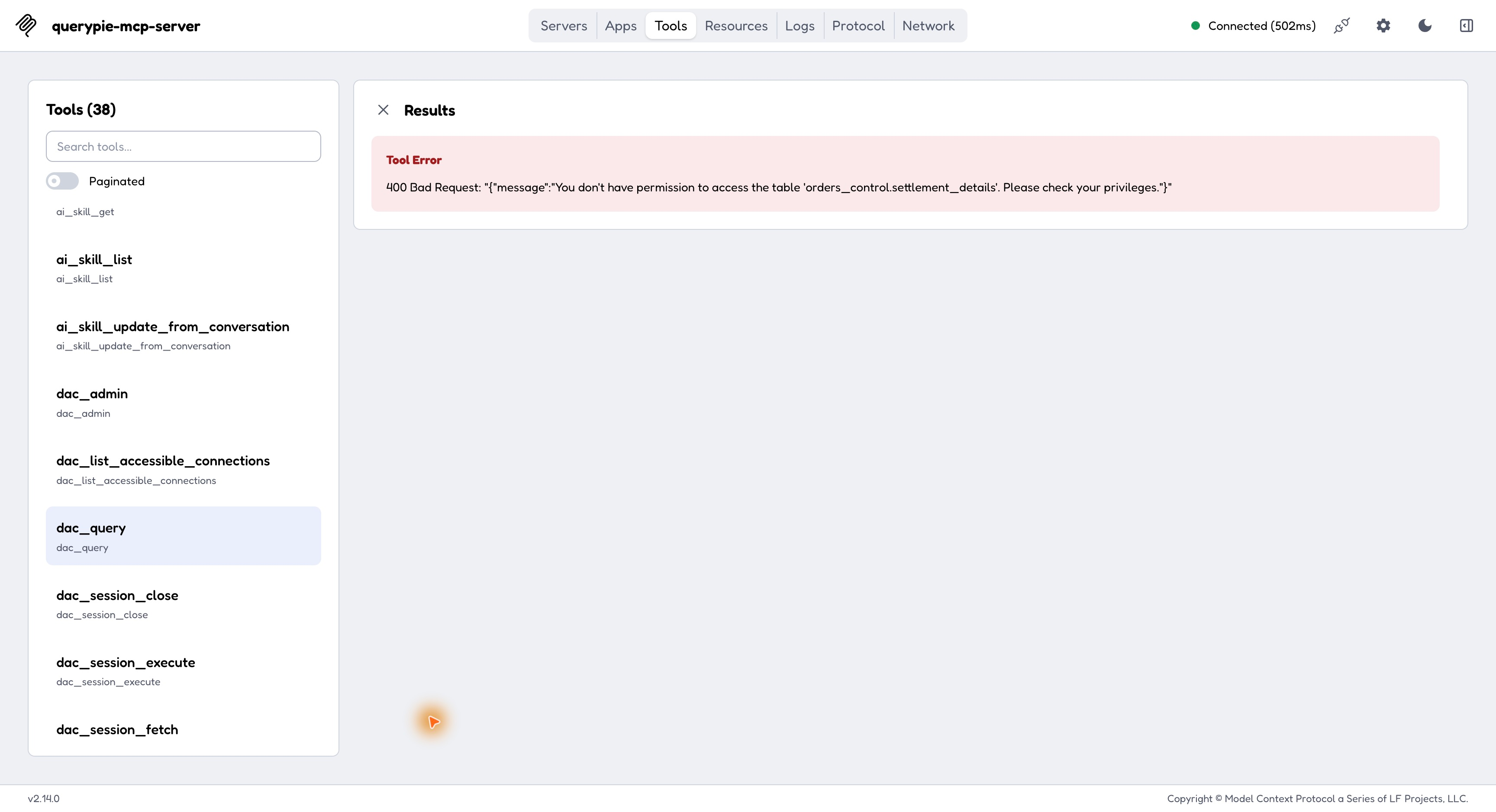
No MCP-specific settlement rule was needed. The same boundaries allowed useful reads and protected sensitive tables, avoiding a separate privilege model for each new tool.
Audit Records Identify MCP as the Source
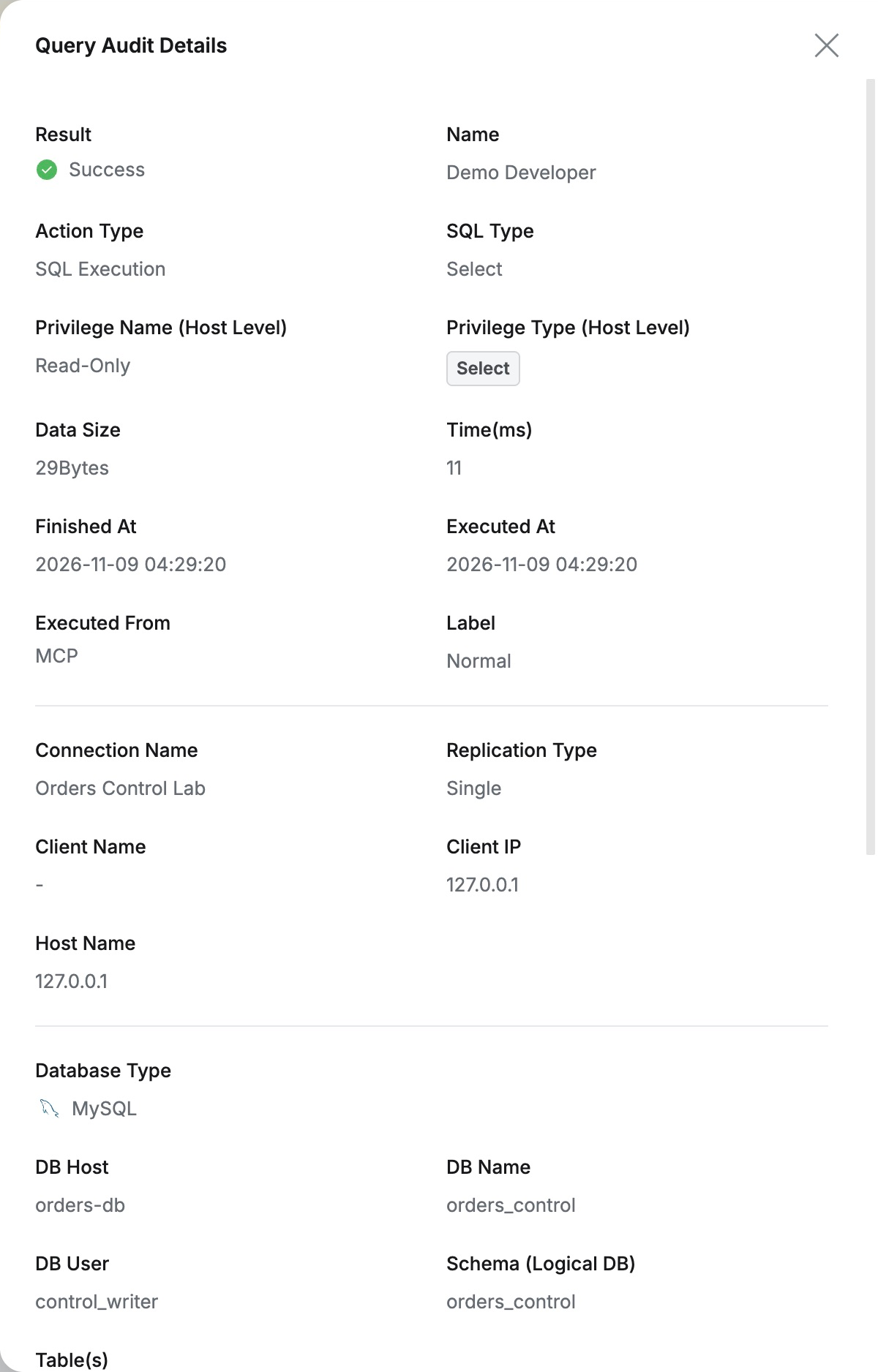
Audit → Databases → Query Audit contained both queries, each attributed to Demo Developer on Orders Control Lab.
The order read was Success, with Executed From MCP. Existing audits showed both person and access route.
The settlement request was Failure and Prevented, with SQL and the table-permission error in details. Administrators could verify the client’s denial result independently.
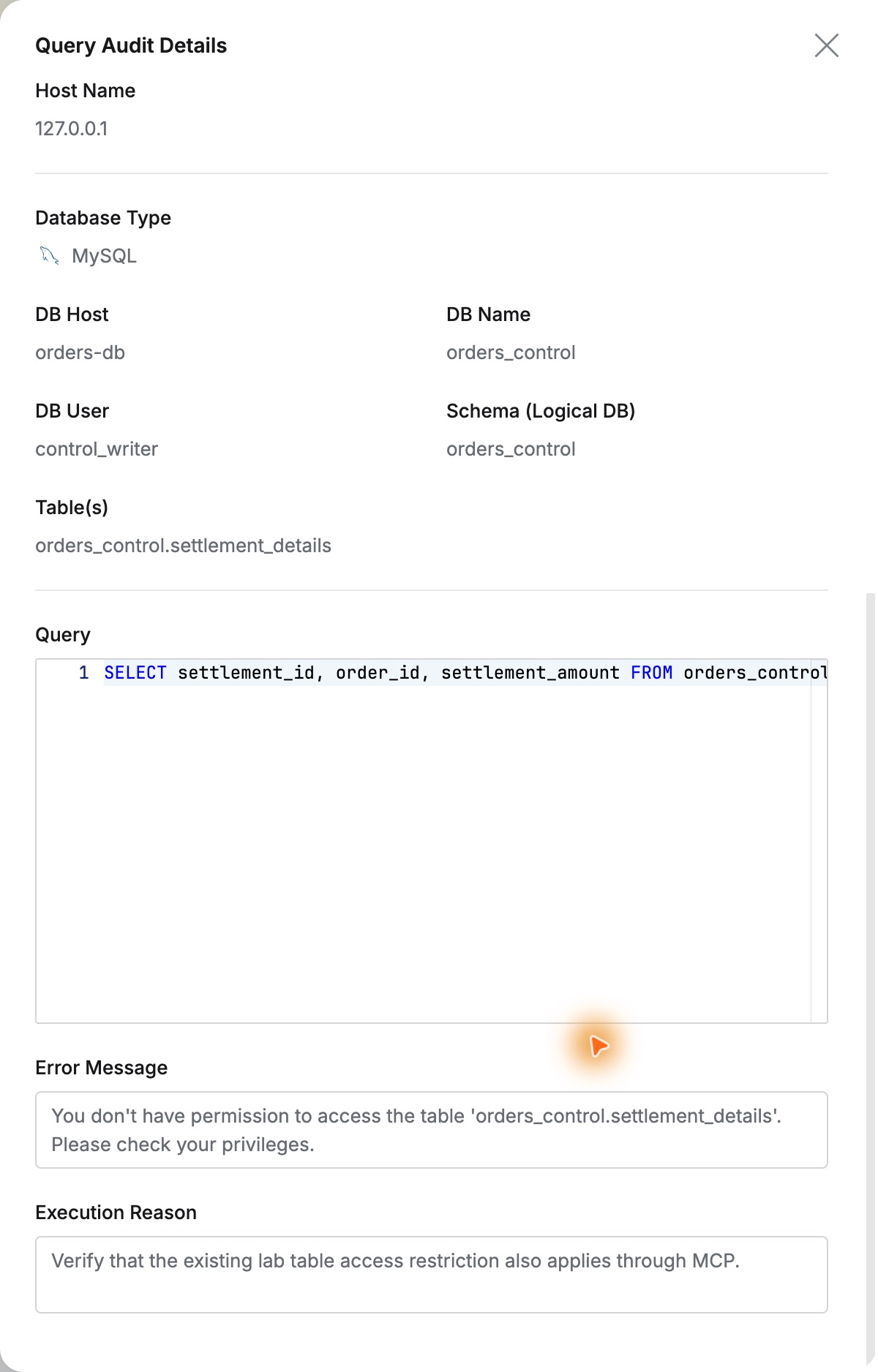
The familiar management after connection was the highlight. MCP used the same users and database privileges, and SQL stayed in the same audit view. Existing access controls and audits can carry over to AI-tool integration.
This lab used QueryPie Community 11.6.7 and MCP Inspector 2.14.0. Direct tool calls verified authentication, orders, settlement blocking, and audits.
Reference: Community MCP configuration guide · Query Audit