[Part 27] Keeping DBeaver, Closing Direct Database Access — Organizing QueryPie Connection Paths
November 9, 2026
QueryPie permissions and records do not remove old direct database routes automatically. Where users should connect is an important adoption decision too.
I queried the same order directly and through QueryPie in DBeaver, then closed the direct port. A new QueryPie connection still returned the order and was audited.
Preparing the Comparison Database and Read Access
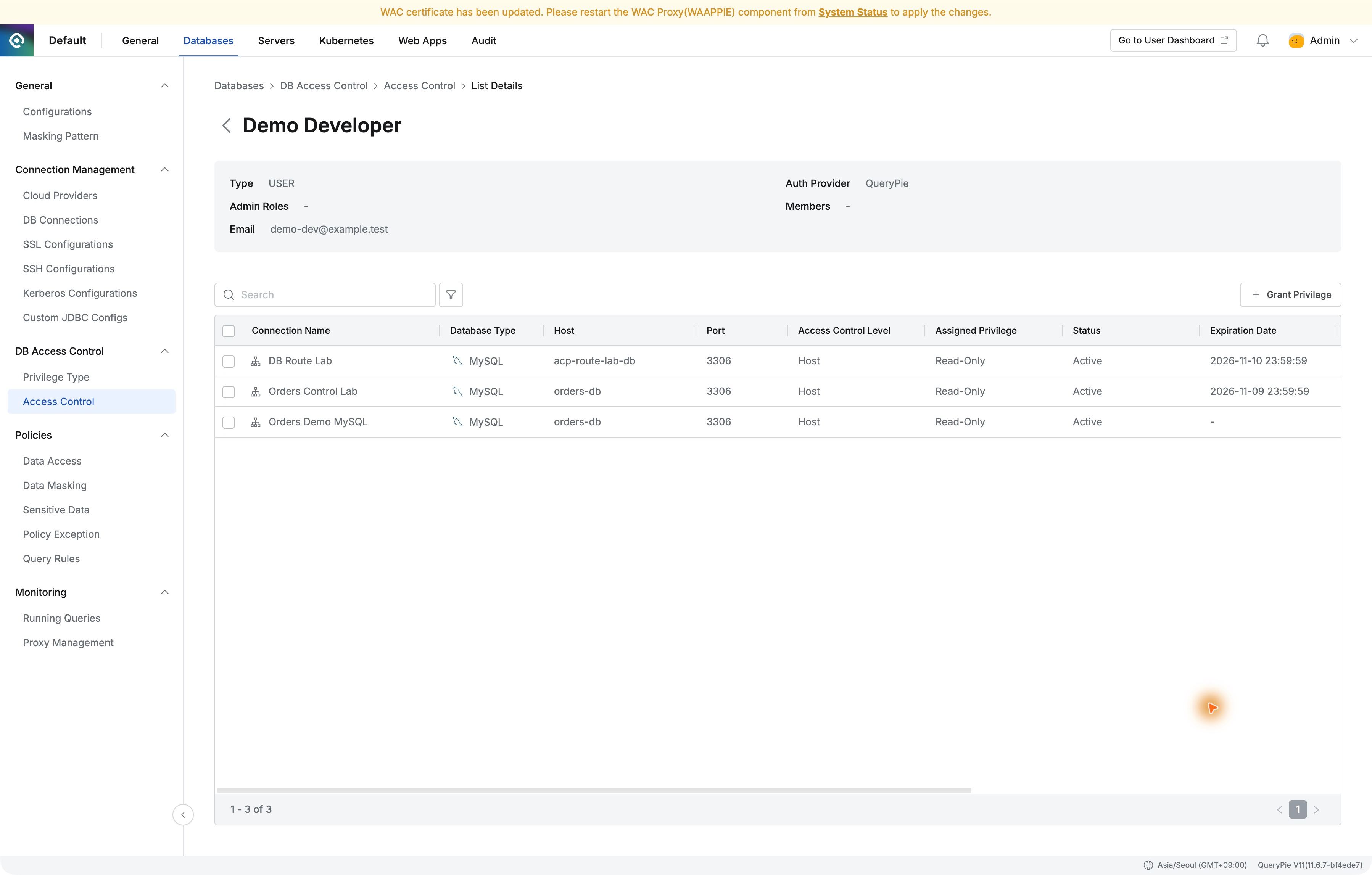
I created a separate MySQL with three fictional orders, registered it as DB Route Lab, and gave route_reader read-only table access.
After Test Connection succeeded, I hid database credentials from user lists and configured proxy access to use the registered account.
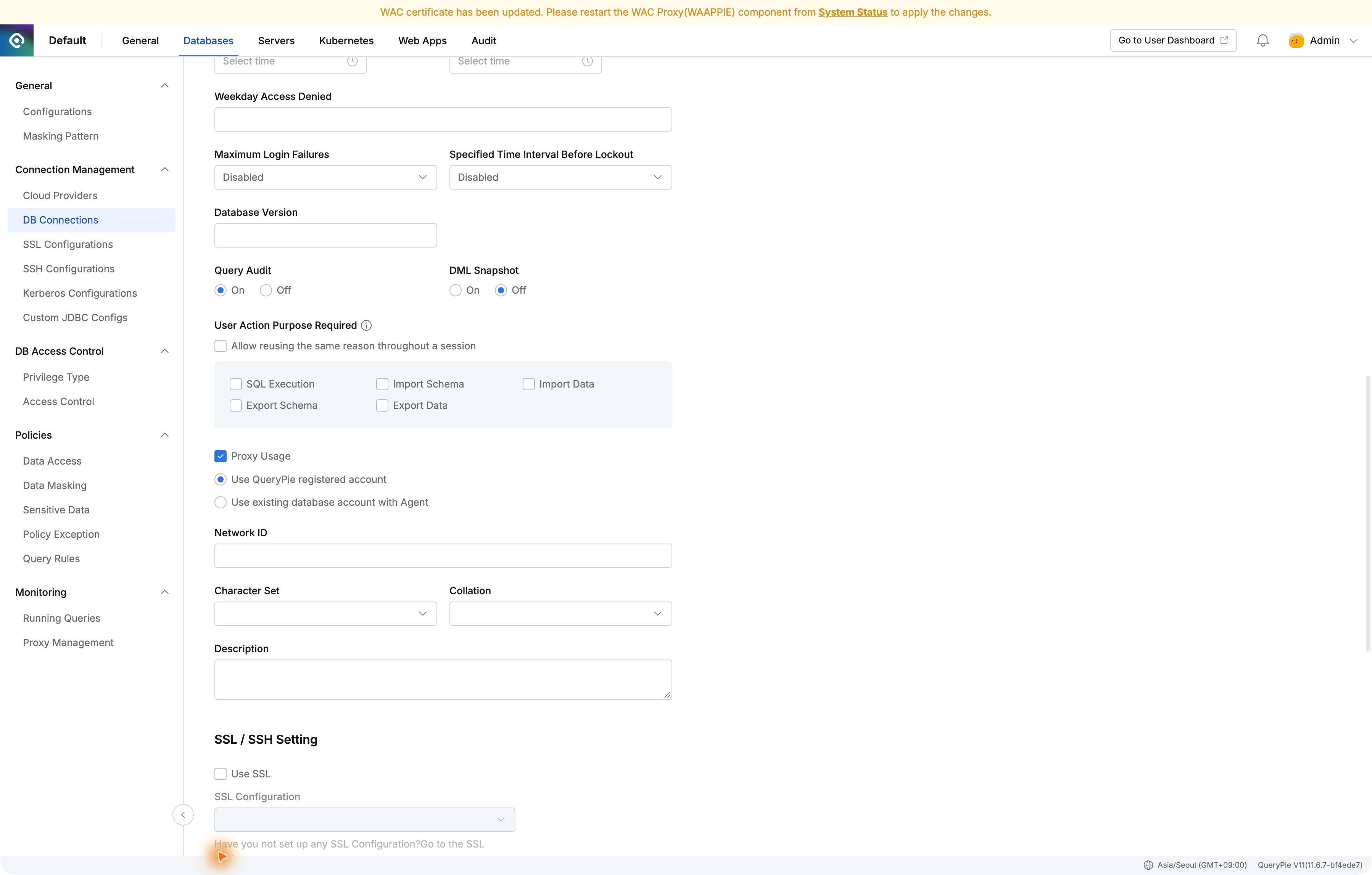
Demo Developer received Read-Only on DB Route Lab. Registration and user authorization were separate: administrators manage credentials; users choose permitted connections.
Creating Direct and QueryPie Connections in DBeaver
Direct access used 127.0.0.1:13307 on the Mac; QueryPie used 127.0.0.1:40002 from Proxy Info. Both reached route_lab.
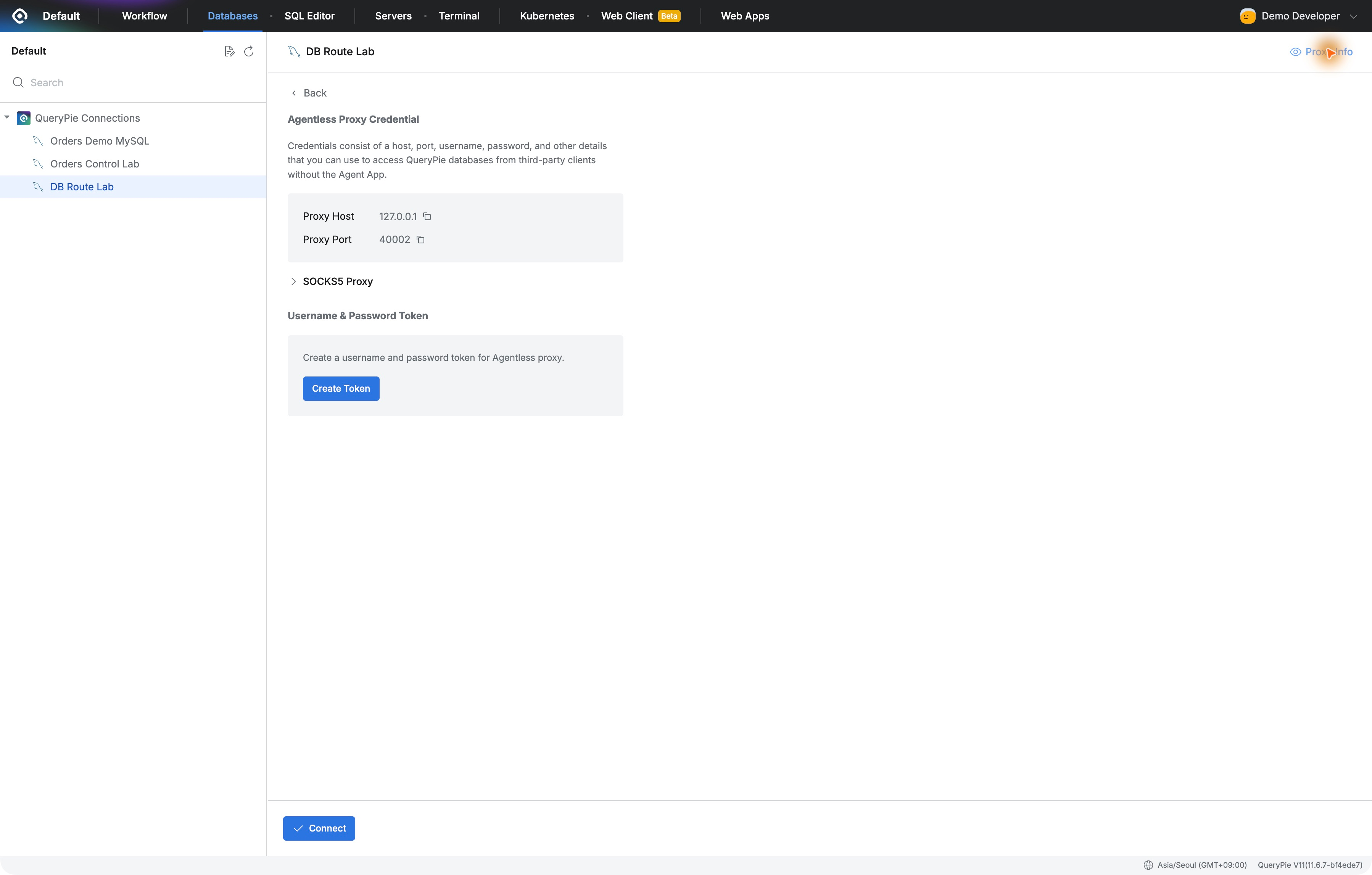
I used Demo Developer’s proxy token for Agentless Proxy in DBeaver. User-facing credentials identify the person; QueryPie’s registered account connects to the database.
The direct query returned order 27002, SHIPPED, amount 18,500. I used this as the baseline for the same SQL through QueryPie.
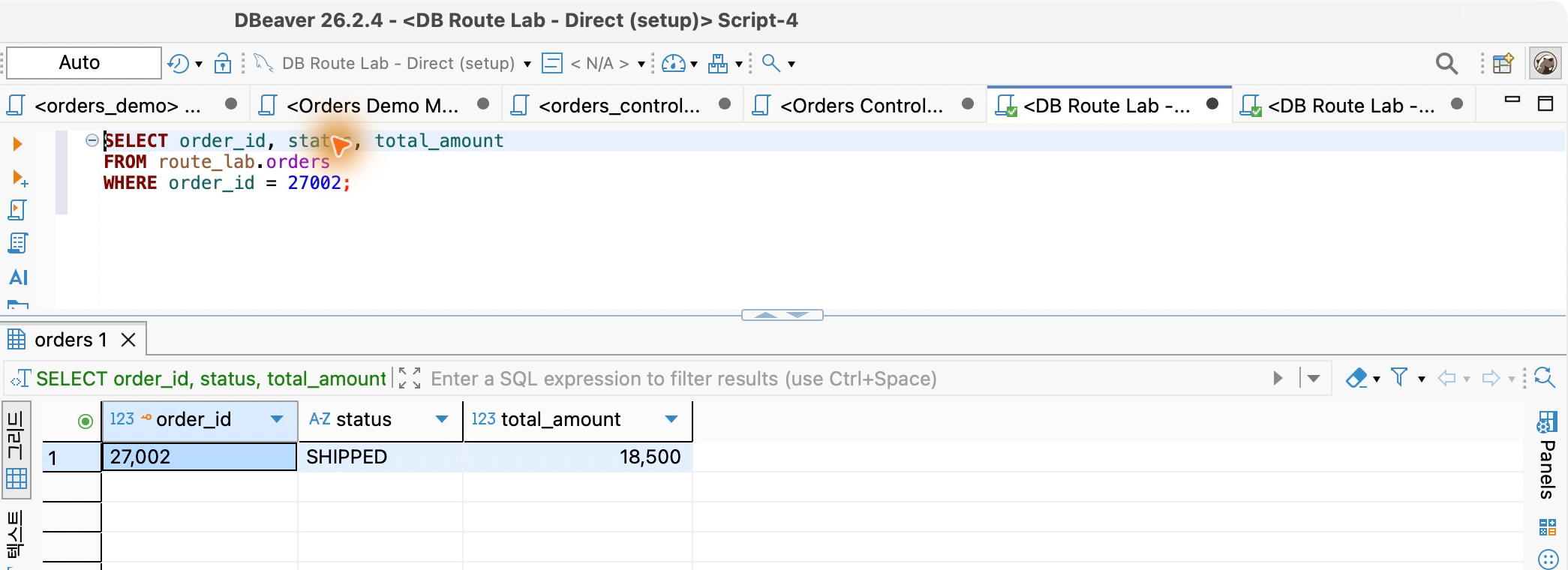
The Same SQL Works Through QueryPie
ID, status, and amount matched. Running SQL and inspecting the result grid in DBeaver felt unchanged.
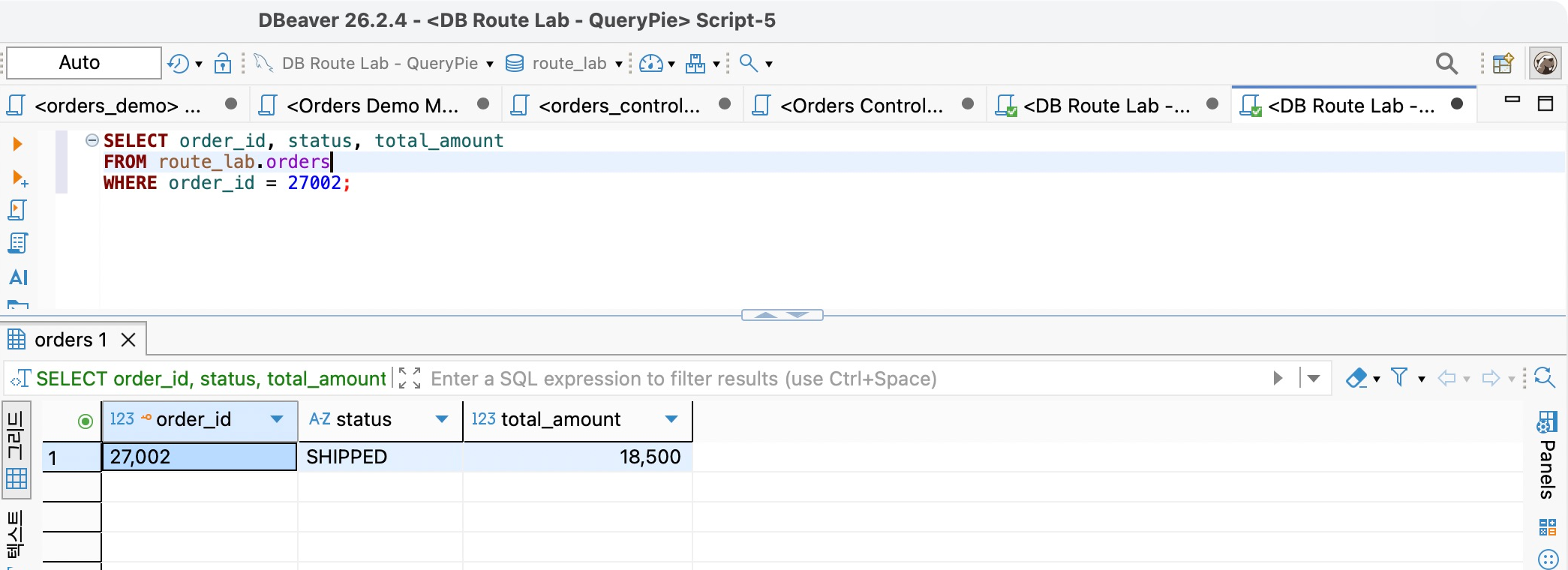
Users could keep existing tools while administrators managed their privileges centrally. Issued proxy credentials replaced distributing the database password to each user.
Closing the Direct Database Port
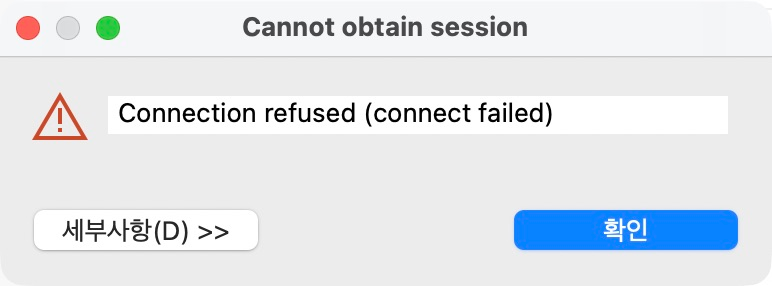
I disconnected both DBeaver connections, removed the Docker port published to Mac at 13307, and recreated the lab container while retaining data and internal networking.
Closing the port is Docker networking work. QueryPie handles authentication, privileges, and SQL audits on the remaining proxy route. Both network paths and user access are being managed.
A new direct connection returned ‘Connection refused (connect failed).’ Stored database credentials could not create a connection to the closed address.
Reconnecting Through QueryPie Preserves Queries and Audits
A new DBeaver QueryPie connection returned order 27002 with the same SHIPPED and 18,500.
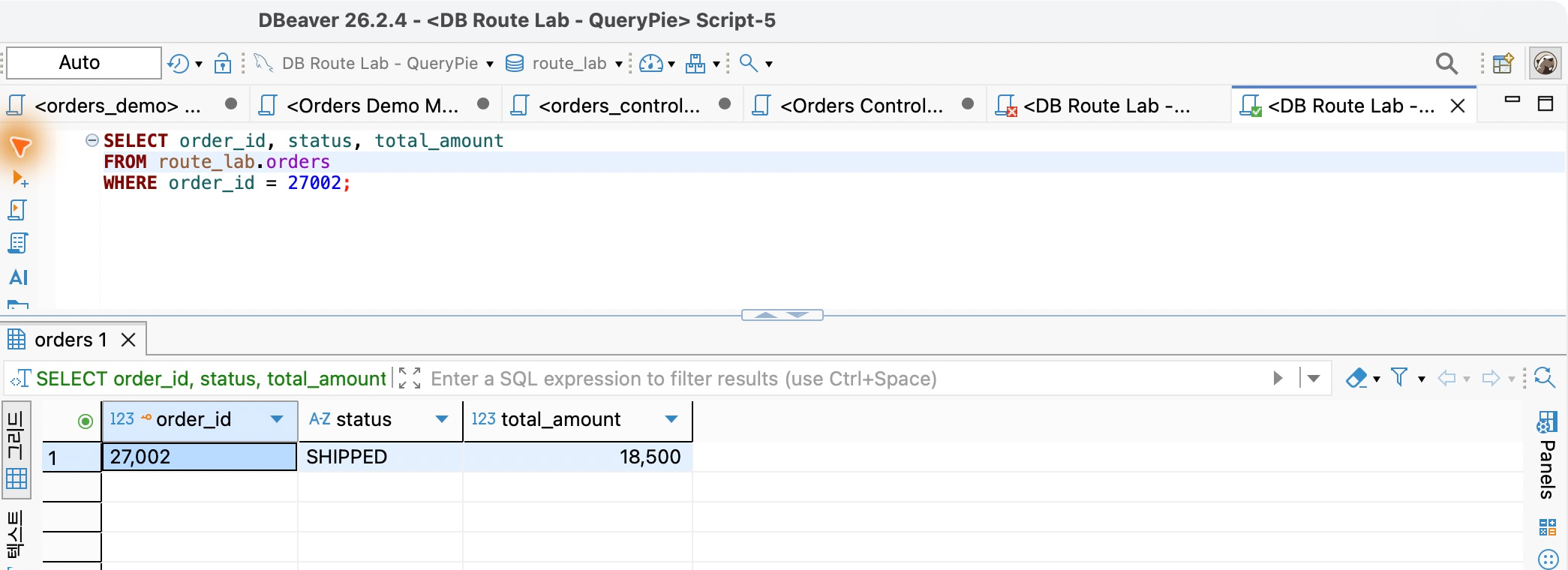
Query Audit showed SELECT Success, Demo Developer, DB Route Lab, Read-Only, and Executed From Agentless Proxy.
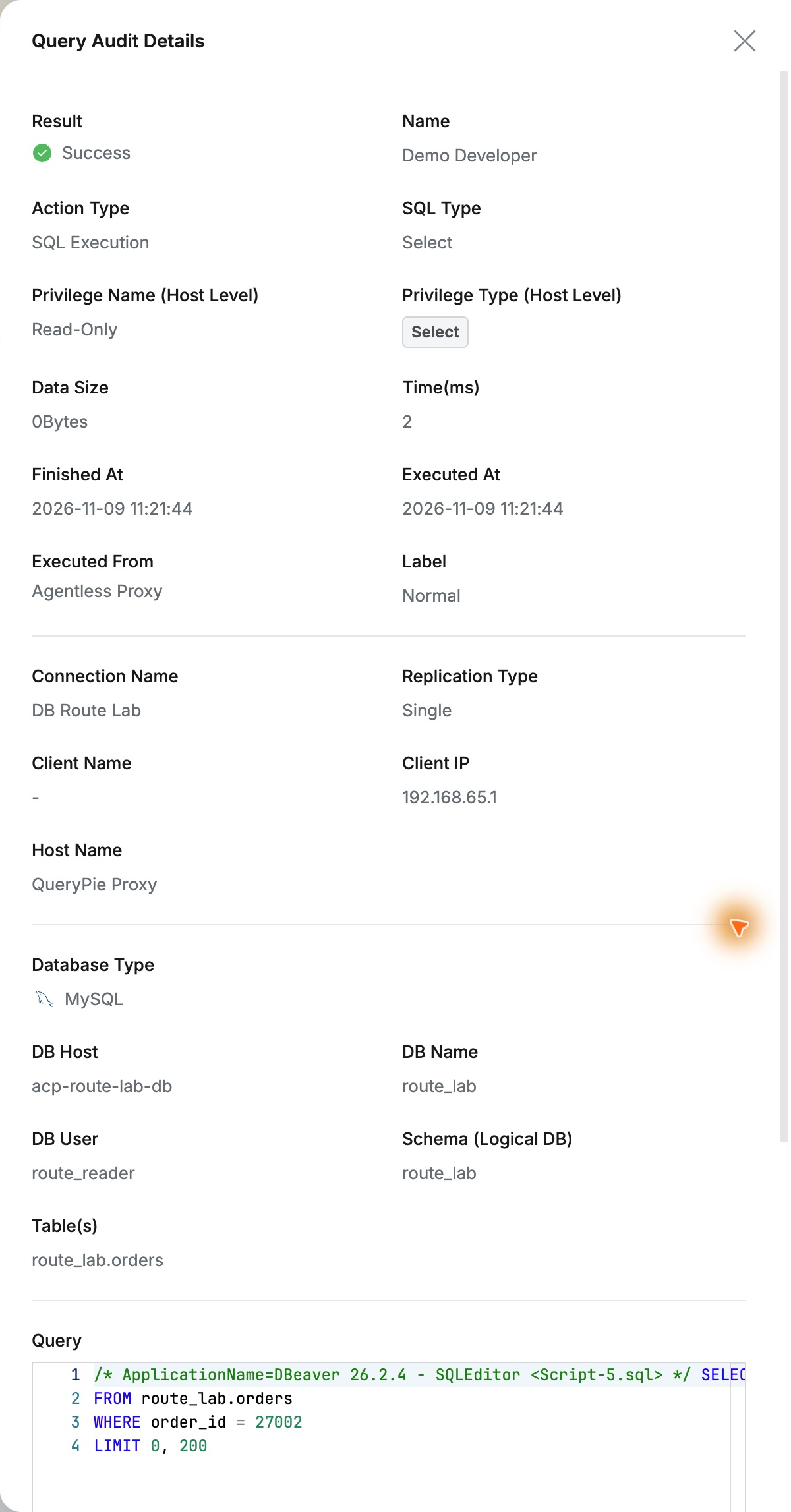
The database account was route_reader, while QueryPie also identified Demo Developer. SQL for order 27002 and time were retained, linking database identity and actual requester in one view.
Centralizing Access Without Replacing the Tool
The user’s work changed little. DBeaver queries stayed the same; after routing through QueryPie, user privileges and activity became visible centrally.
This combines network restrictions on direct access with QueryPie’s user-based authorization. Teams keep familiar tools while access and activity are organized by person.
This lab used QueryPie Community 11.6.7, DBeaver 26.2.4, a separate MySQL, and fictional orders.
Reference: QueryPie Database Proxy · System architecture and network access