[Part 33] Combining Database Privileges and Access History in a Report
November 9, 2026
Access reviews need current privileges and recent database usage. Seeing assigned access alongside connection records clarifies actual use.
I used Reports to combine both for Demo Developer and inspected the downloaded materials.
Defining the User and Review Period
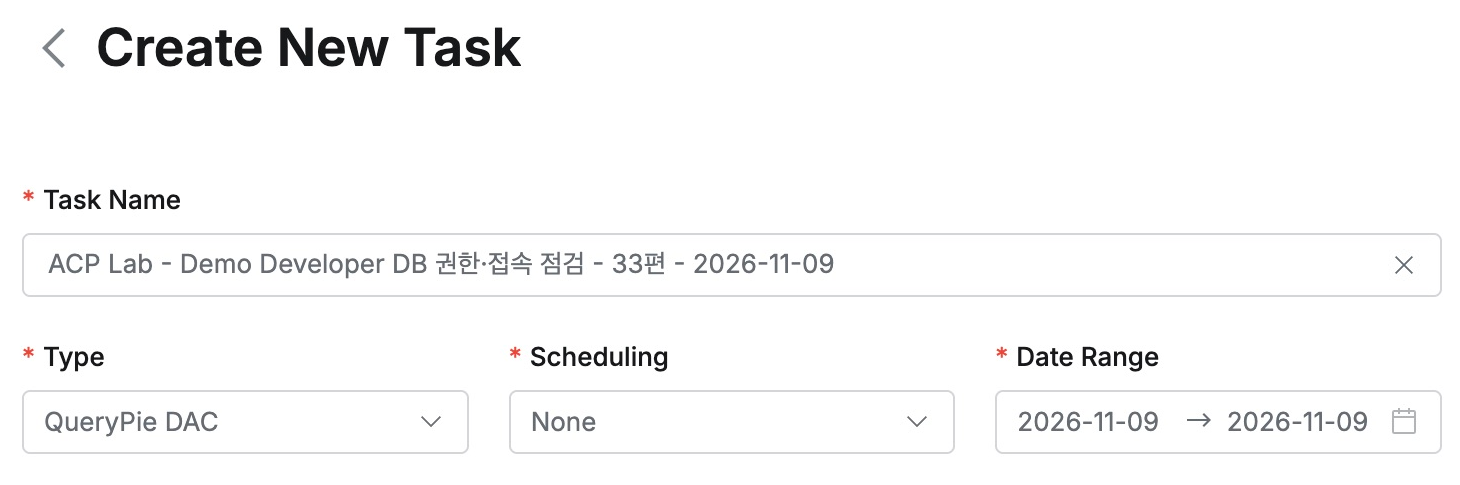
As the auditor, I opened Reports → Create Task, selected QueryPie DAC, and put user and review date in the name.
I needed November 9 only, so Scheduling was None and Date Range was that day.
Including Current Privileges and Access History
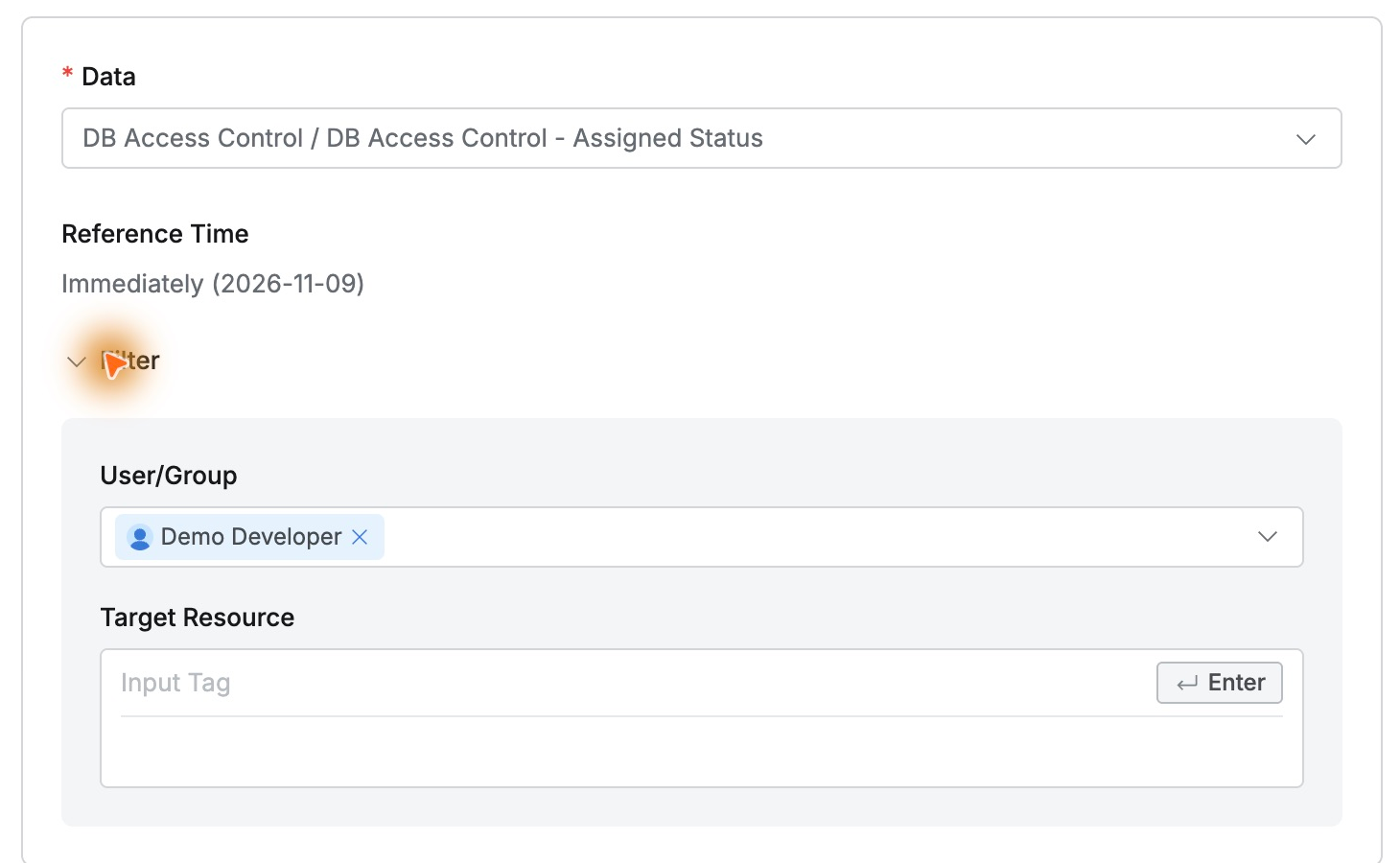
First, I chose DB Access Control - Assigned Status, selected Demo Developer in User/Group, and left resource tags empty to include all access.
Reference Time was Immediately: this section reports privileges at generation time.
Add Section added DB Access History, where I selected Demo Developer again. It covers the chosen day.
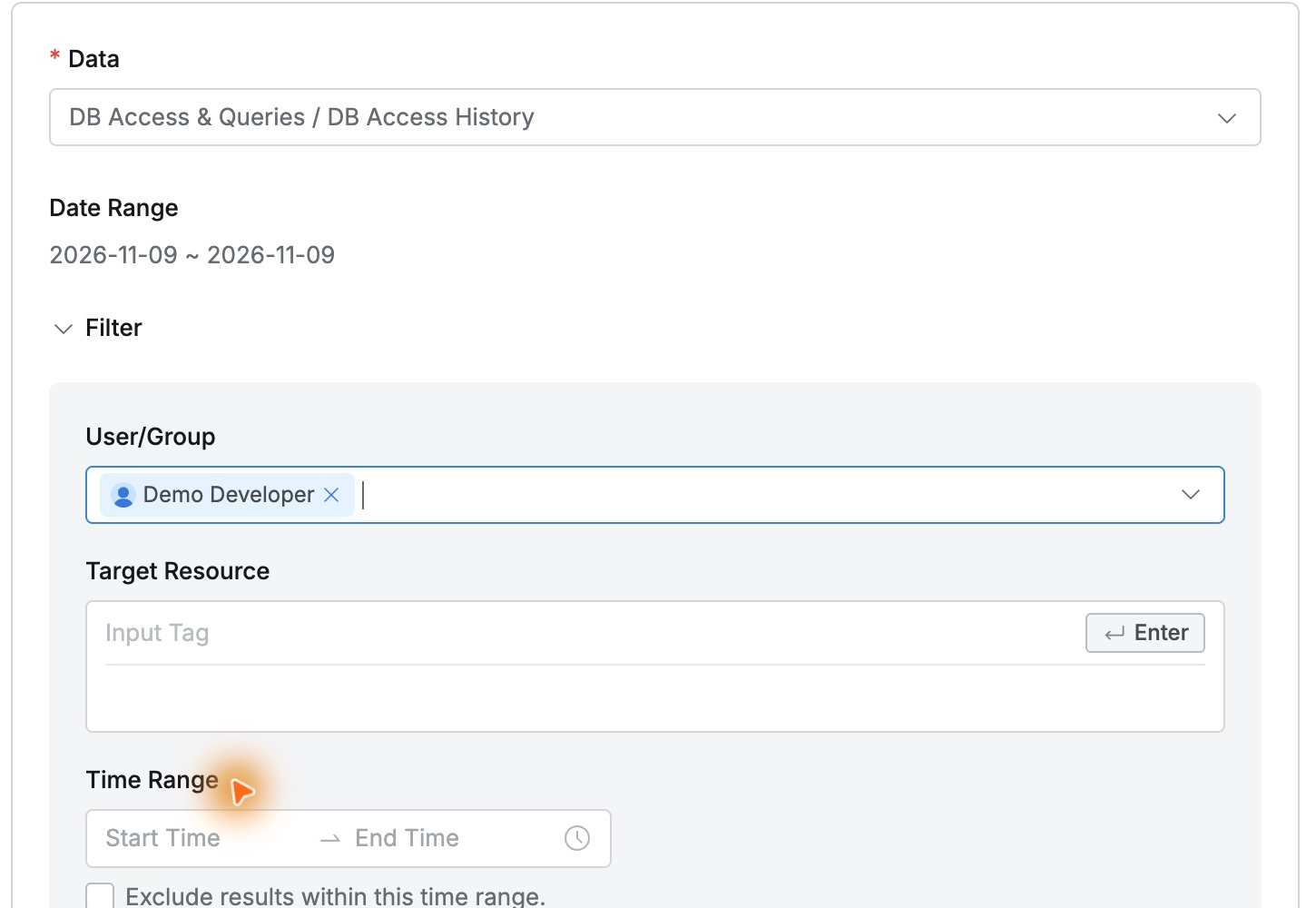
Current access and period-specific usage could be prepared together, with a separately selected target for each section.
Previewing the Structure and Generating Files
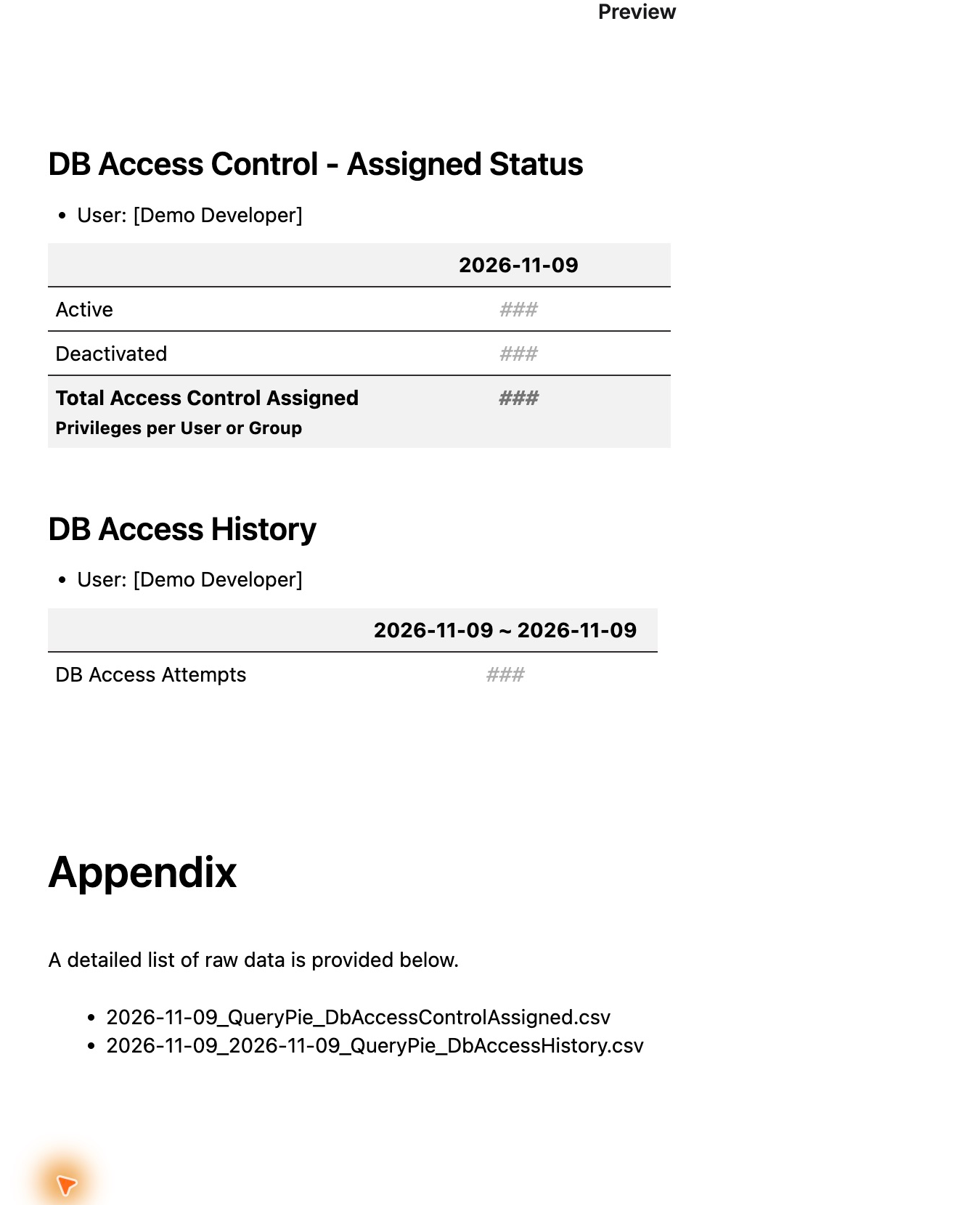
Preview displayed both sections for Demo Developer in order and listed two detailed CSV attachments.
The preview showed ### for figures; actual totals were checked in the generated files.
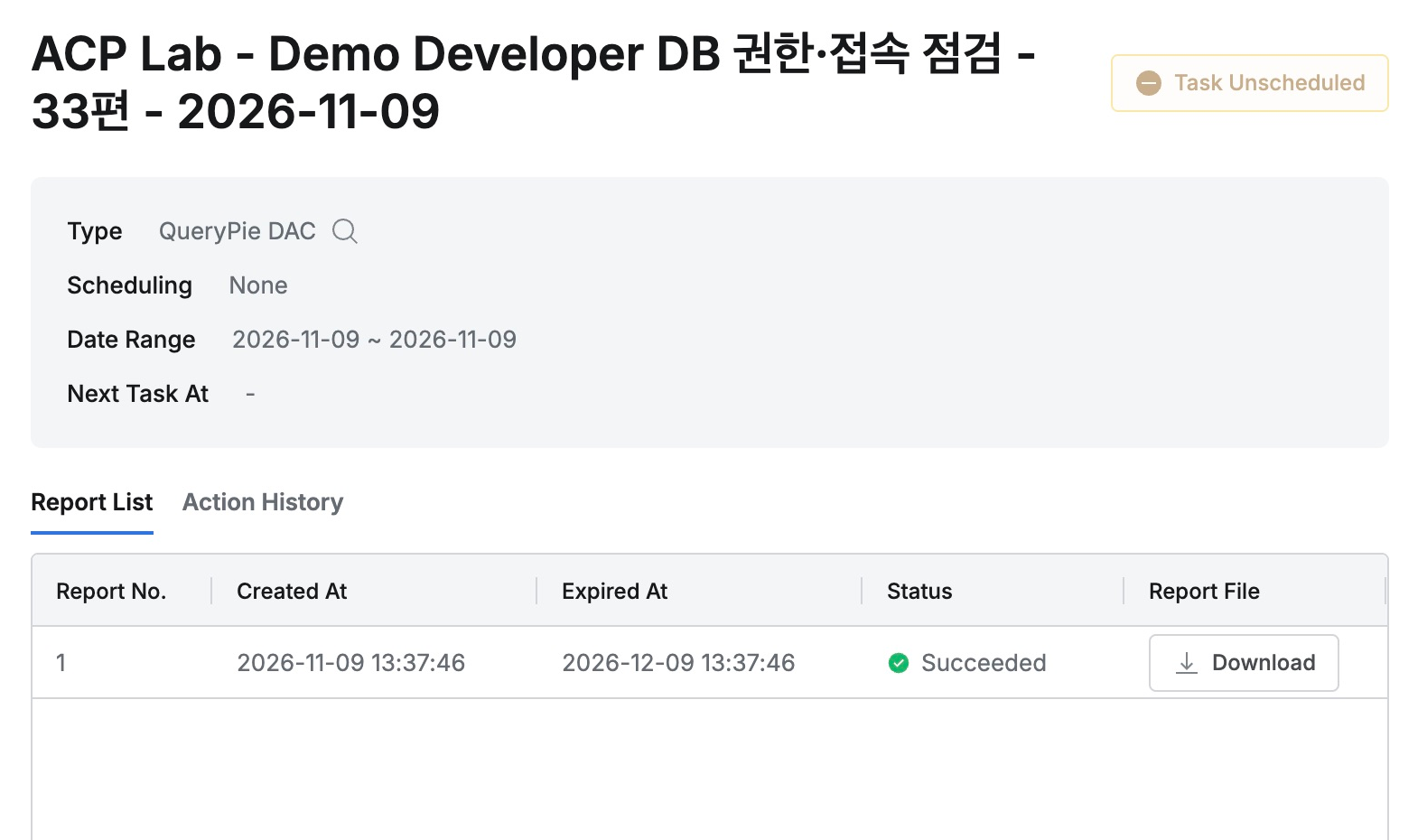
After Save, Report Detail showed Succeeded and enabled Download. Scheduling None and no next run confirmed a one-off report.
Receiving Summary and Detail Together
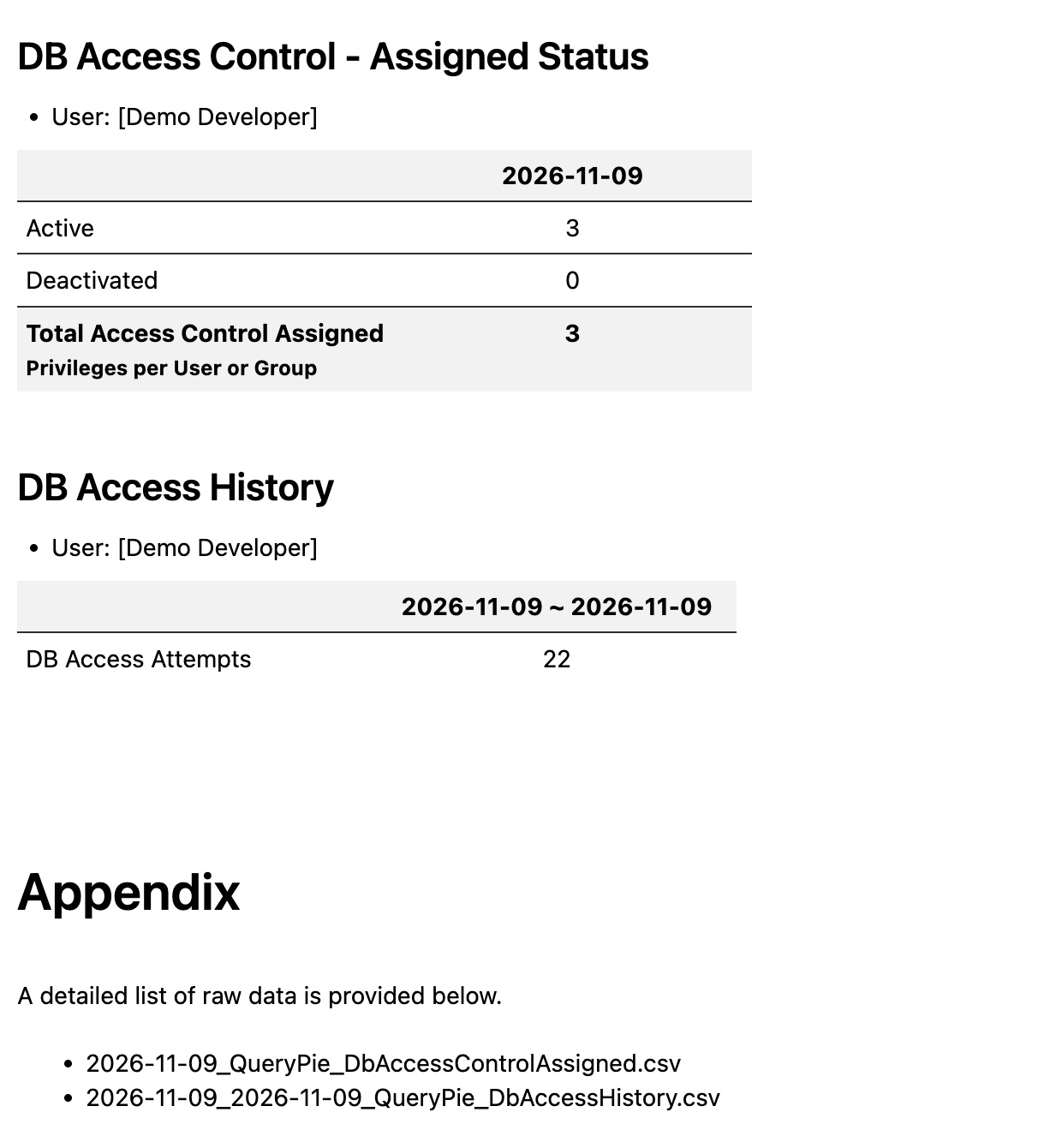
The ZIP contained one HTML report and two CSVs. In the browser, HTML showed three active privileges, zero inactive, and 22 access-history records.
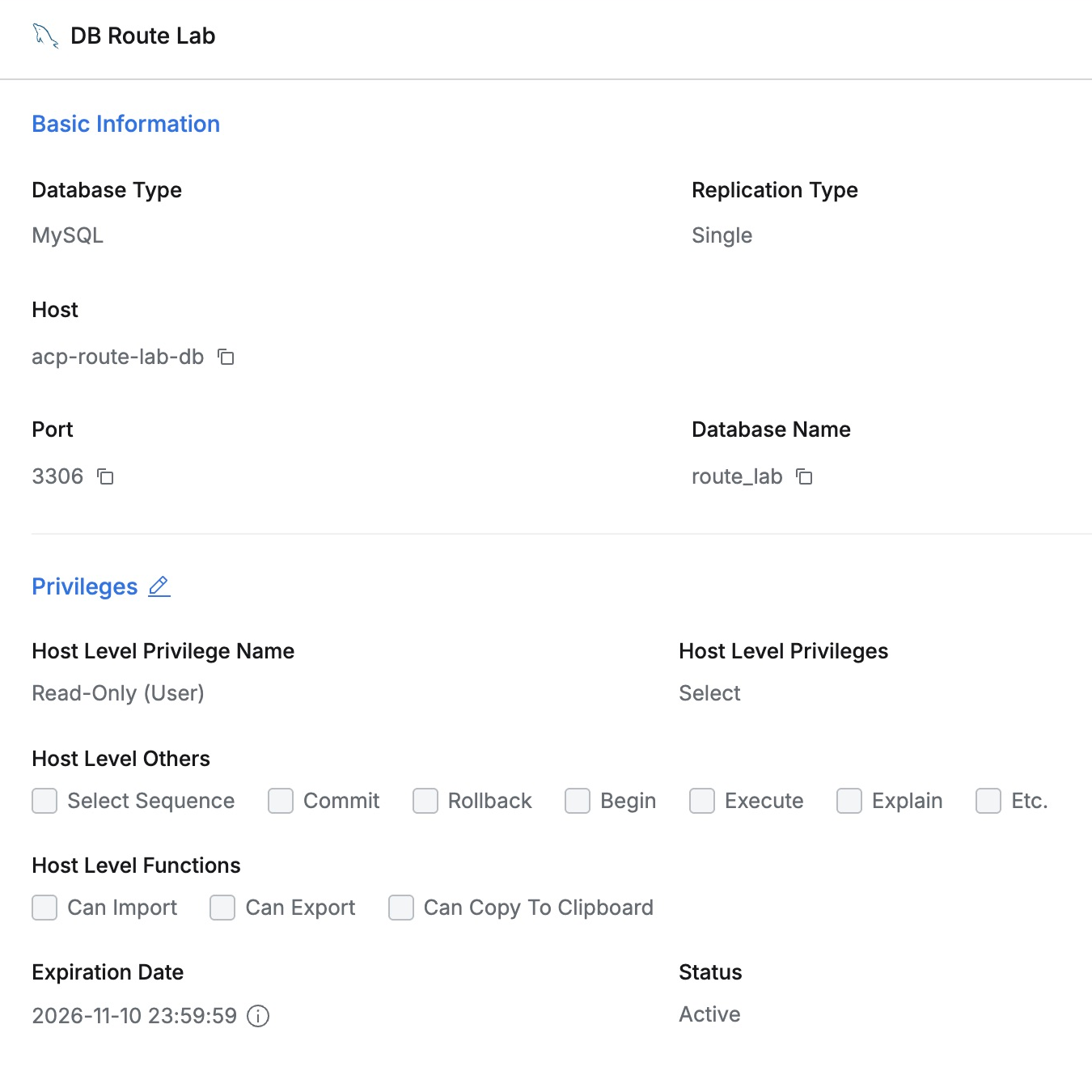
The privileges CSV listed DB Route Lab, Orders Control Lab, and Orders Demo MySQL, all Read-Only/SELECT/Active, with grant, expiry, and last-access times.
The 22 history entries comprised 13 connects and nine disconnects. DB Route Lab’s 13:14:06 connect and 13:16:03 disconnect retained user, connection, and Success.
I could start with the summary and inspect CSV details as needed, avoiding separate extraction and assembly.
Report Downloads Are Audited Too
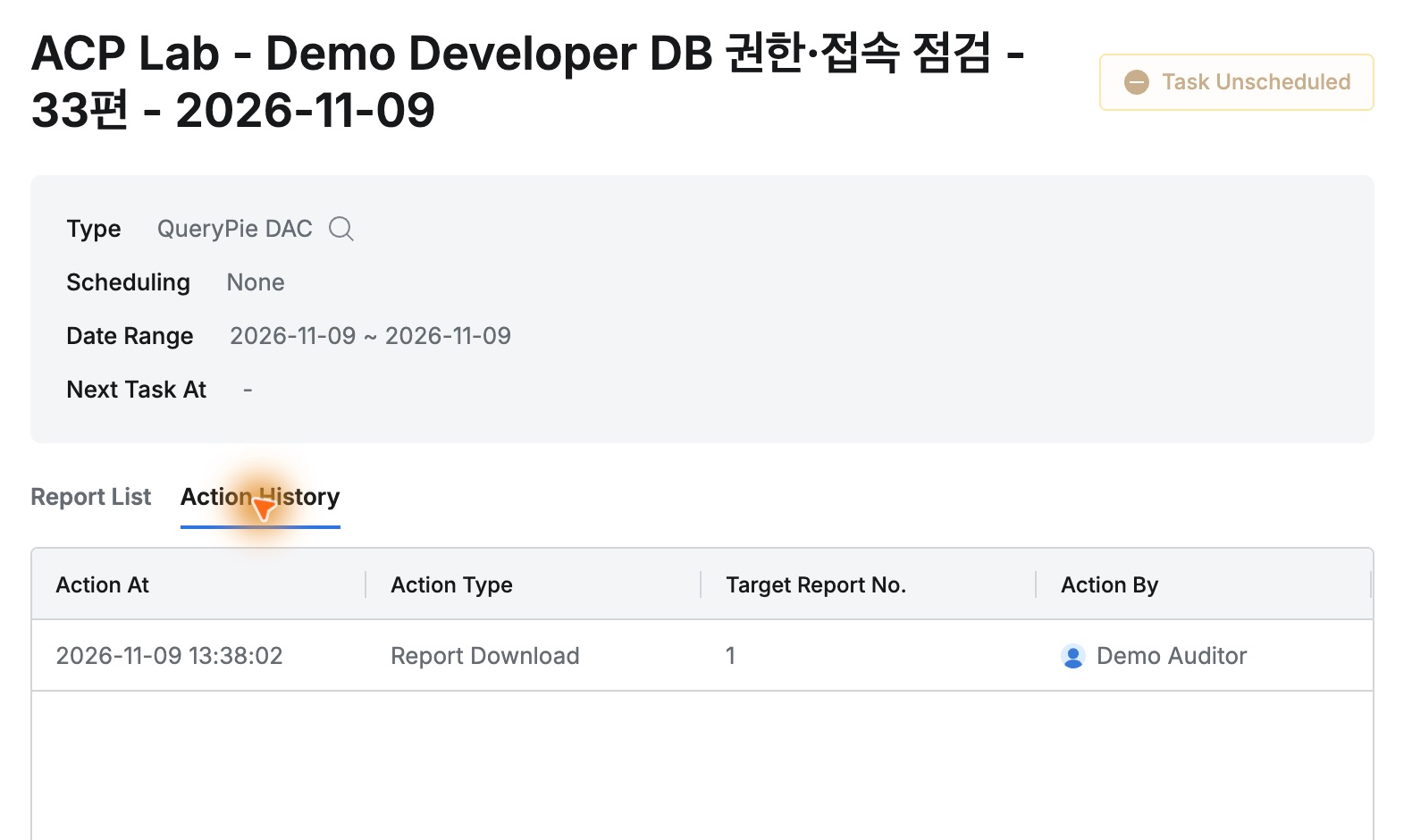
The task’s Action History included Report Download by Demo Auditor, download time, and report number 1.
One user’s test clarified the materials available for real reviews. Current privileges and recent activity arrive together, with a path from summary to detail—a practical tool for preparing access-review evidence.
This lab used QueryPie Community 11.6.7. Reports was labeled Beta, downloaded reports were in English, and users/databases were fictional.
Reference: Reports · DB Access Control · DB Access History