[Part 32] Recording the Reason Alongside the SQL
November 9, 2026
Audits identify user and SQL, but the same order query may serve a shipping inquiry or reconciliation; SQL alone does not explain why.
I required a reason at execution, queried two orders for different tasks, and inspected what the audit retained.
Starting with Existing Read Access
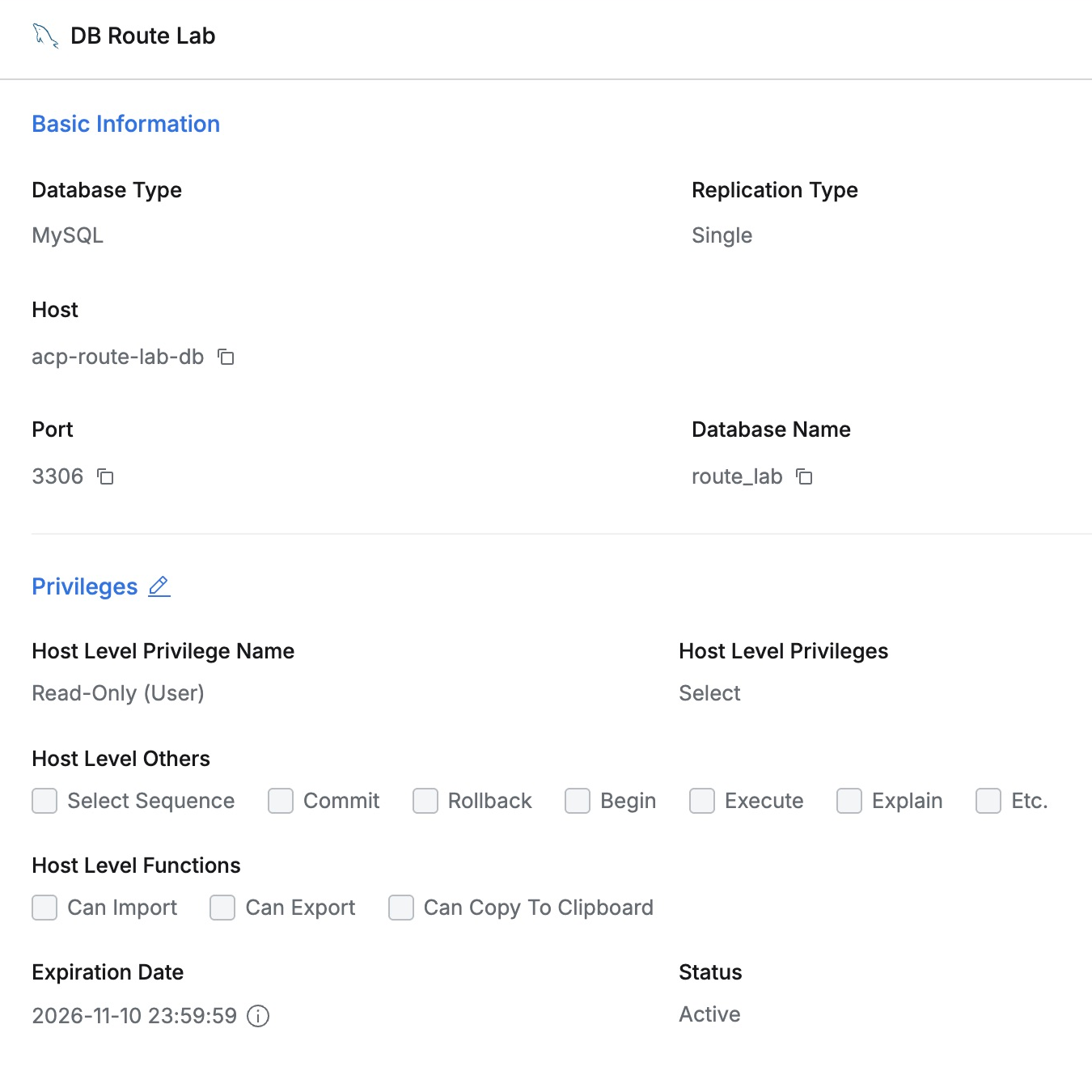
I reused fictional orders in DB Route Lab. Demo Developer had Read-Only with Select.
A baseline web SQL Editor query returned one order. The only addition would be the business reason.
Requiring a Reason for Queries
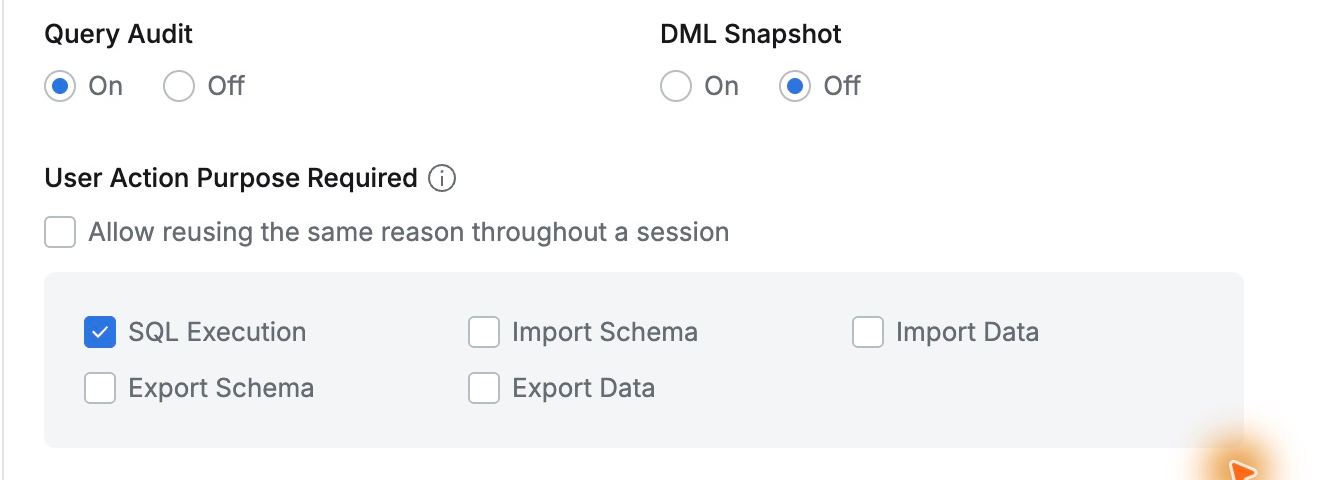
In DB Route Lab → Additional Information, I selected SQL Execution under User Action Purpose Required.
I left session-wide reason reuse off to record different purposes for the two queries, saved, and opened a new user connection.
Entering the Shipping-Inquiry Reason
Run SQL opened a reason dialog. Leaving it blank and clicking OK produced ‘Enter a reason.’ Execution required a reason.
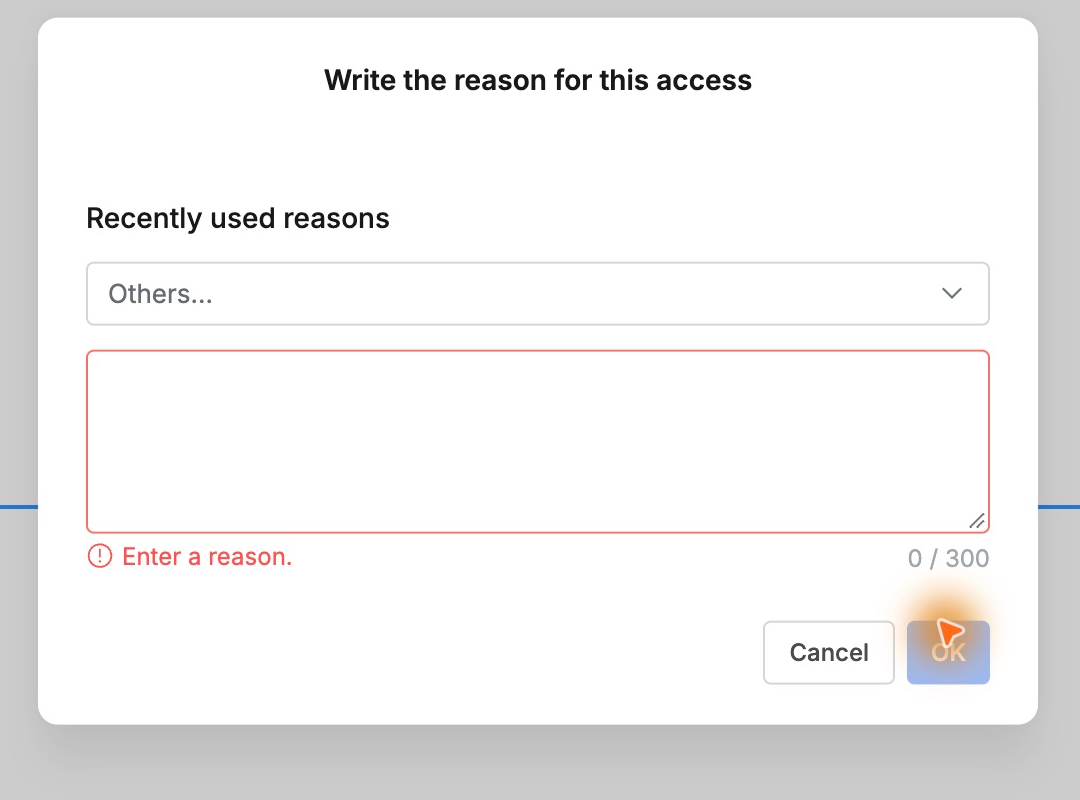
I canceled that attempt and queried order 27002, explaining that I needed status and amount to answer a fictional shipping inquiry.
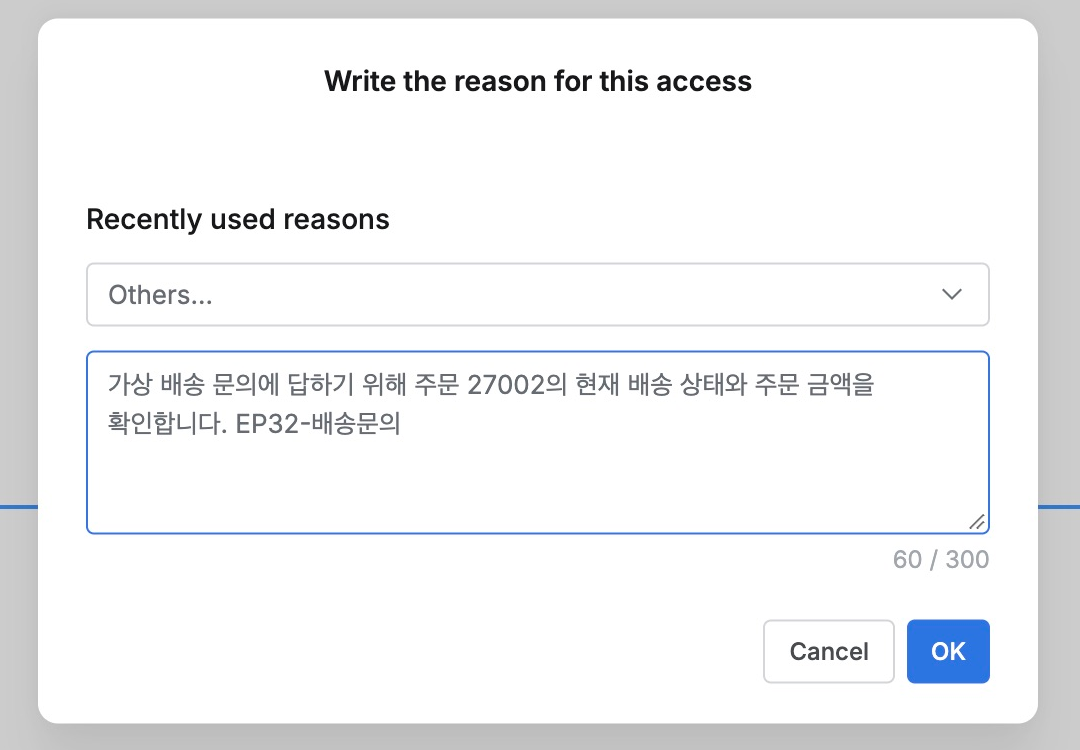
OK returned SHIPPED and 18,500.00. SQL editing stayed the same; entering a reason immediately allowed results.

A Different Task Gets a Different Reason
Querying 27003 in the same connection reopened the reason dialog, confirming the no-reuse setting.
I described reconciliation of fictional order processing by checking delivered status and amount. The result was DELIVERED and 32,000.00.
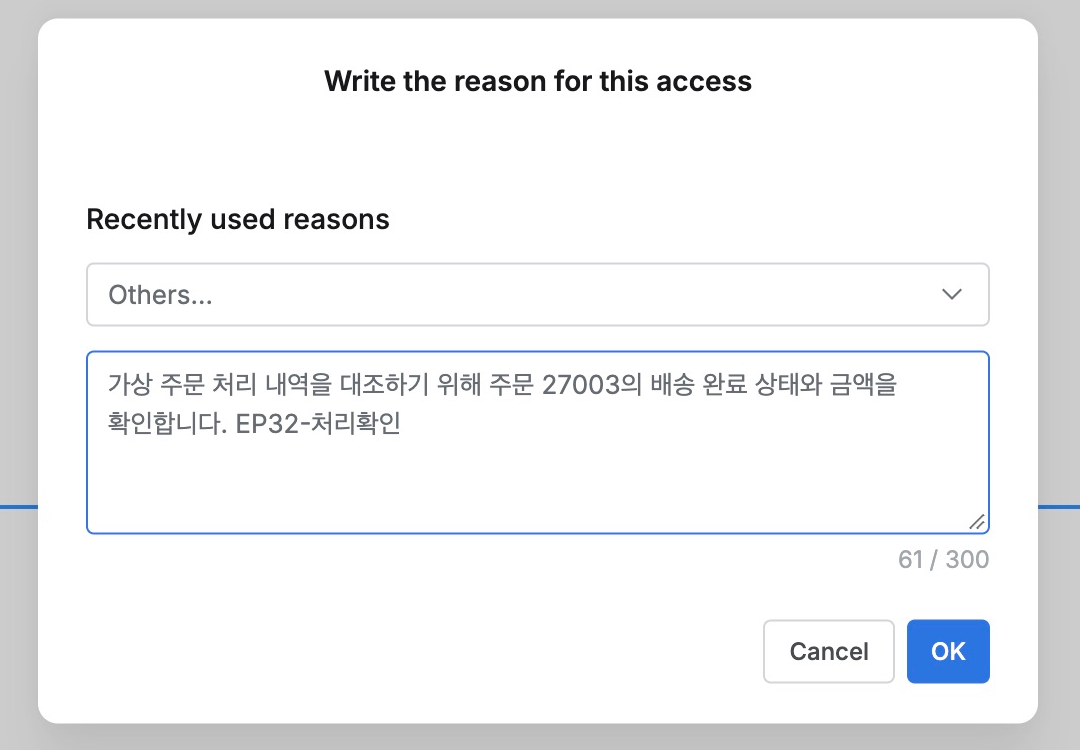
Both are SELECTs against orders, but their purposes differ. Capturing the reason at the time makes later review clearer.
Reviewing SQL and Reason Together in Audits
Query Audit filtered by Demo Developer, DB Route Lab, and Web Editor showed both as Success, with execution times and database account.
Order 27002’s Query contained the SELECT and Execution Reason retained the shipping-inquiry explanation.
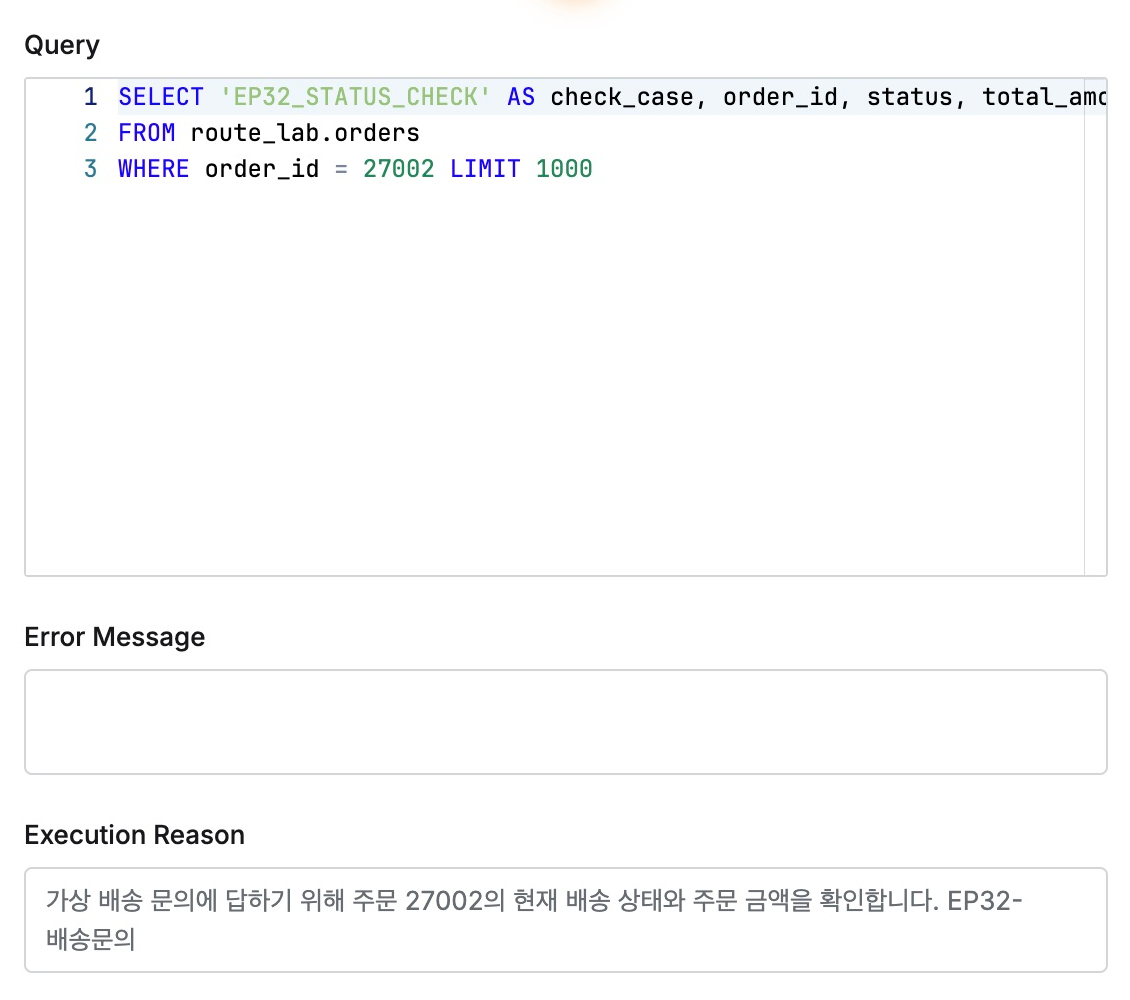
Order 27003 retained the second, reconciliation reason. The same user and table could now be distinguished by task.
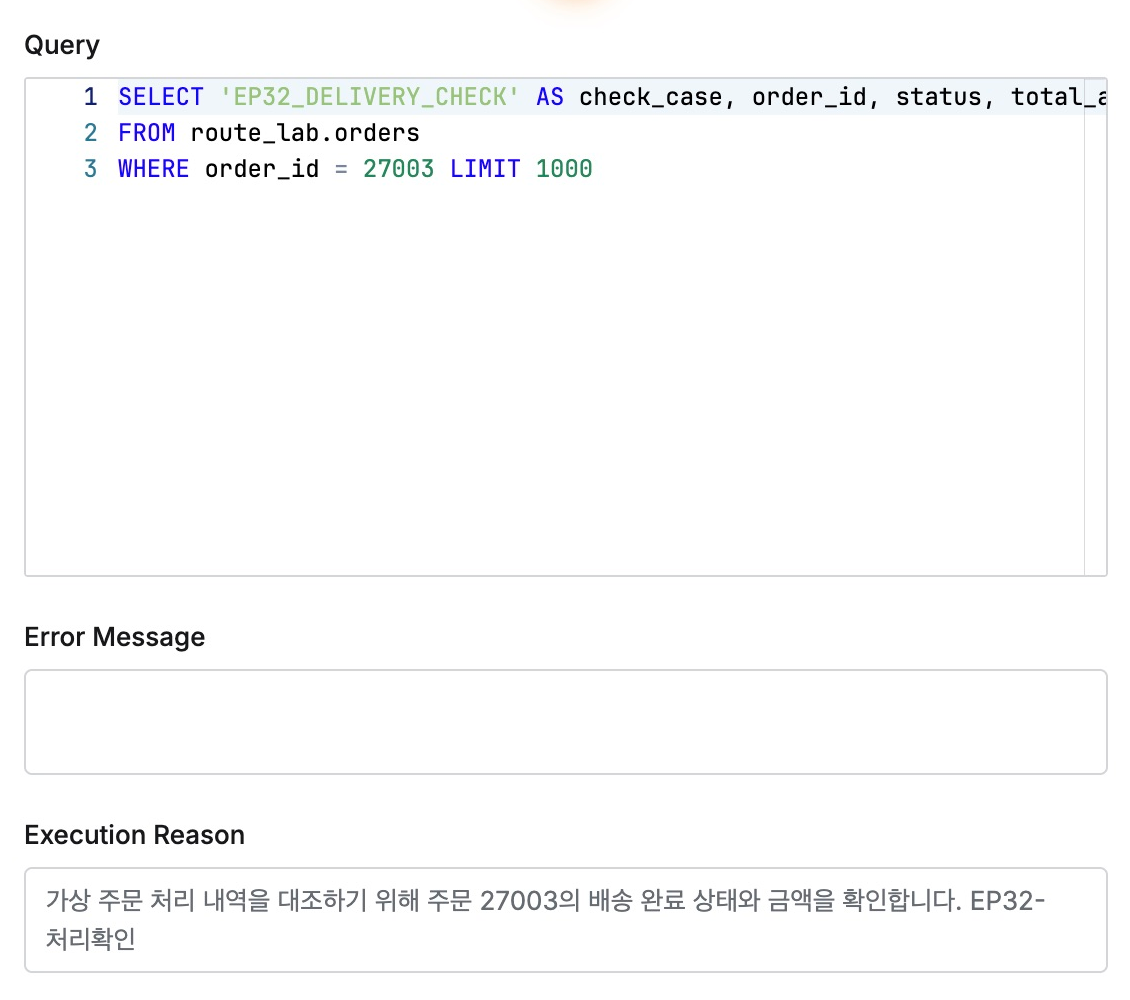
Reviewers need less guesswork from SQL alone. The user’s explanation appears alongside activity, avoiding separately collecting reasons and matching them to query histories.
This lab used QueryPie Community 11.6.7 Web SQL Editor with fictional users, orders, and reasons.
Reference: DB Connections · Web SQL Editor · Query Audit