[Part 30] Finding and Terminating an Active Server Session
November 9, 2026
After granting access, operators still need to know who is connected and terminate selected connections. Defining privileges and managing open sessions are different tasks.
Part 24 replayed server recordings. Here I terminated an active SSH session from the administrator view and checked whether the same role could reconnect.
Opening a Fresh Lab Connection
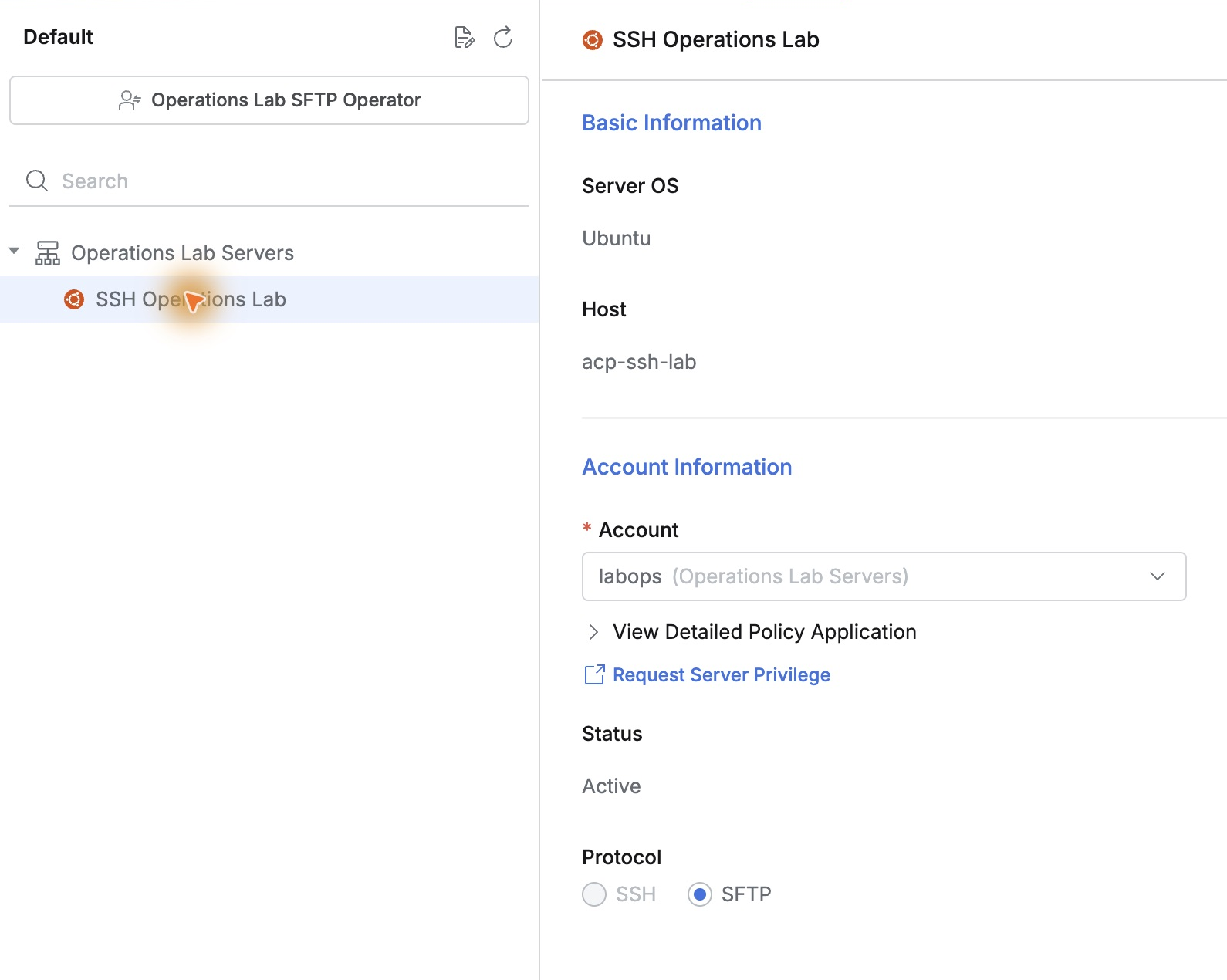
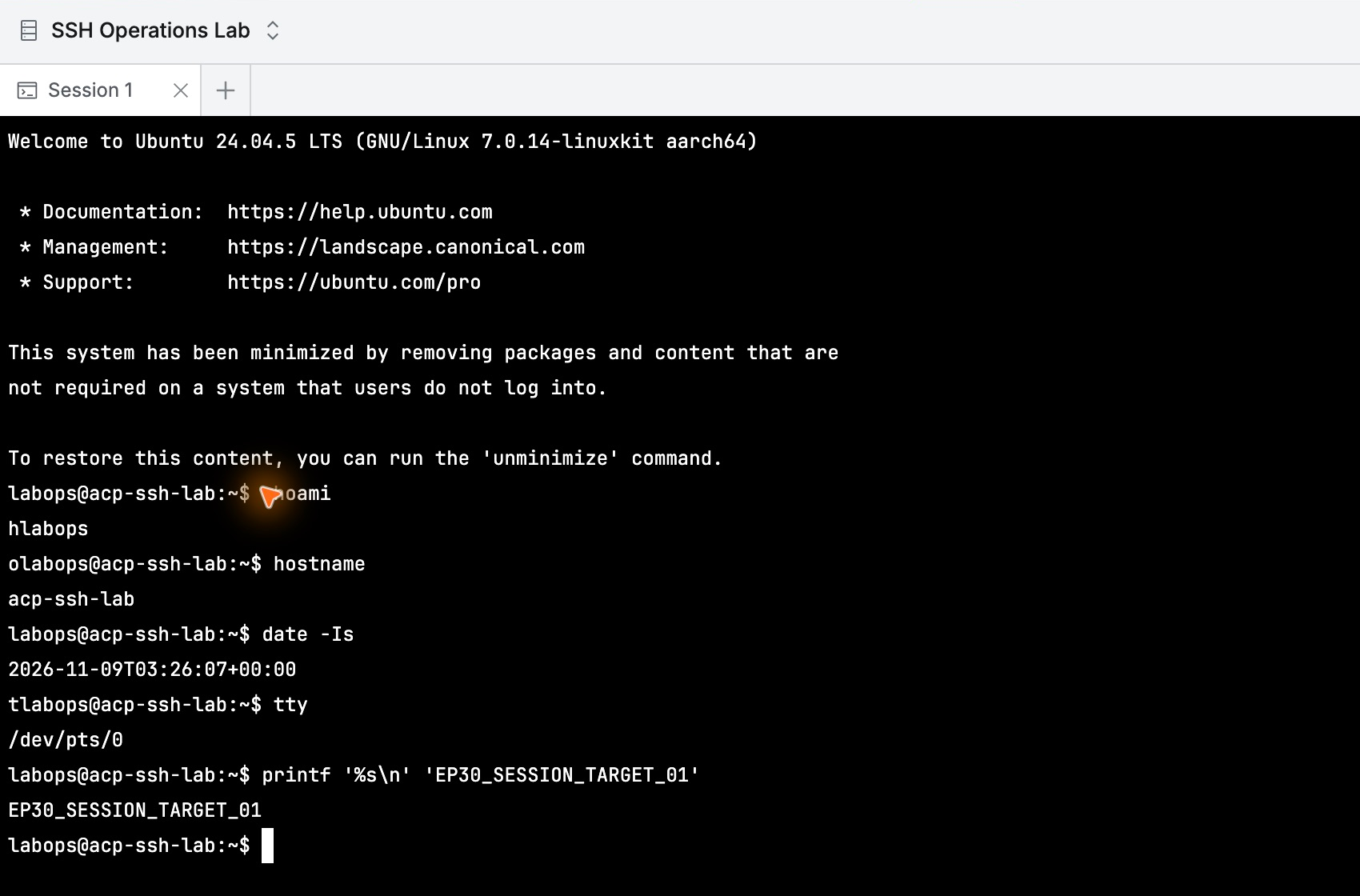
Demo Developer selected Operations Lab Operator and opened the labops web terminal on SSH Operations Lab.
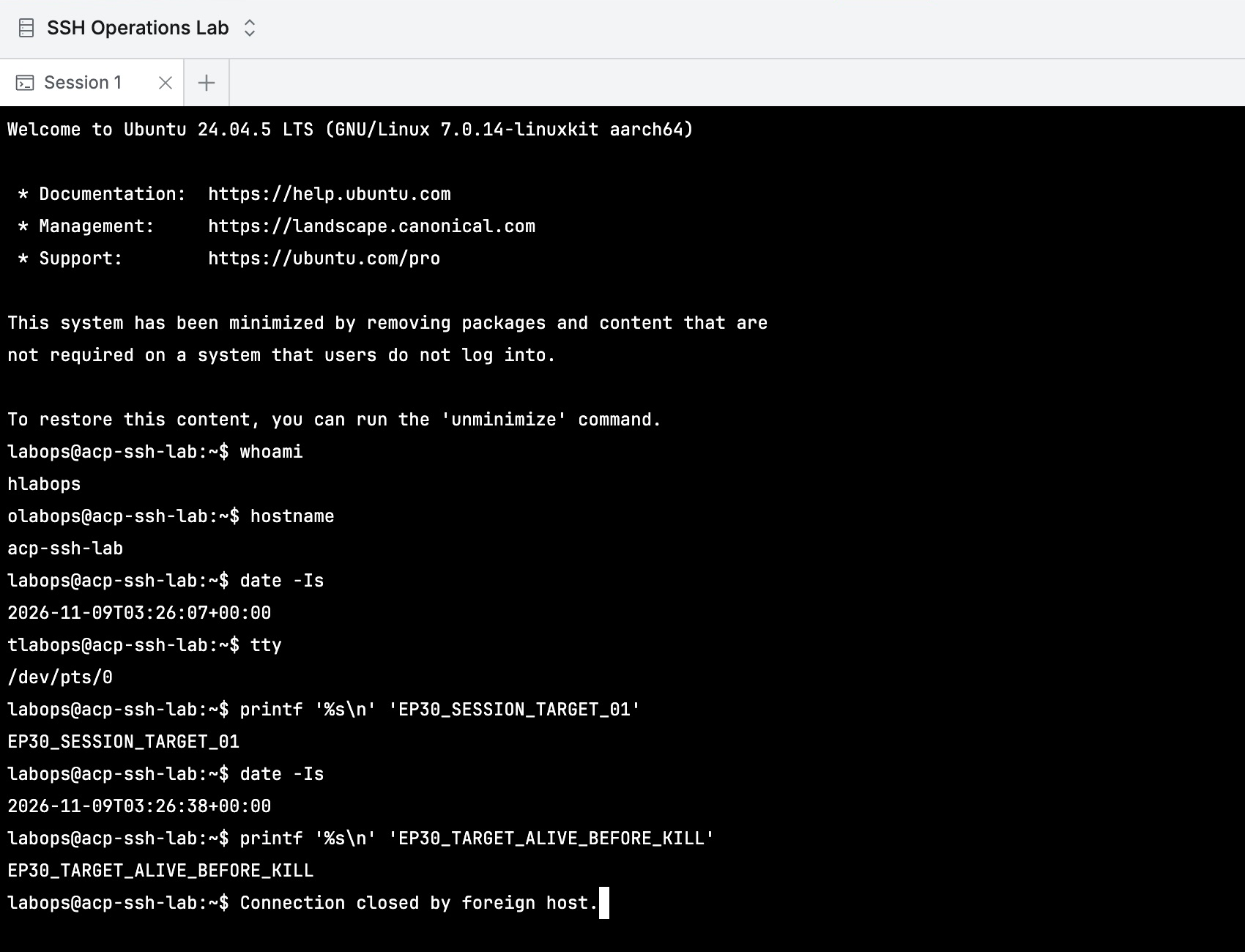
whoami and hostname confirmed account and server. I checked time and terminal and printed a marker for this connection, without creating files or changing configuration.
Seeing Current Connections at a Glance
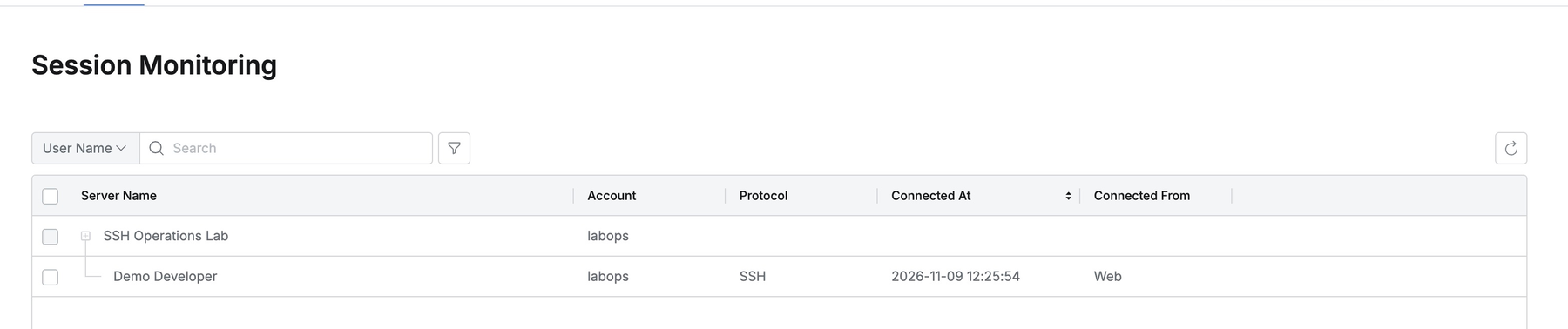
In Servers → Monitoring → Session Monitoring, the previously empty list now showed the connection.
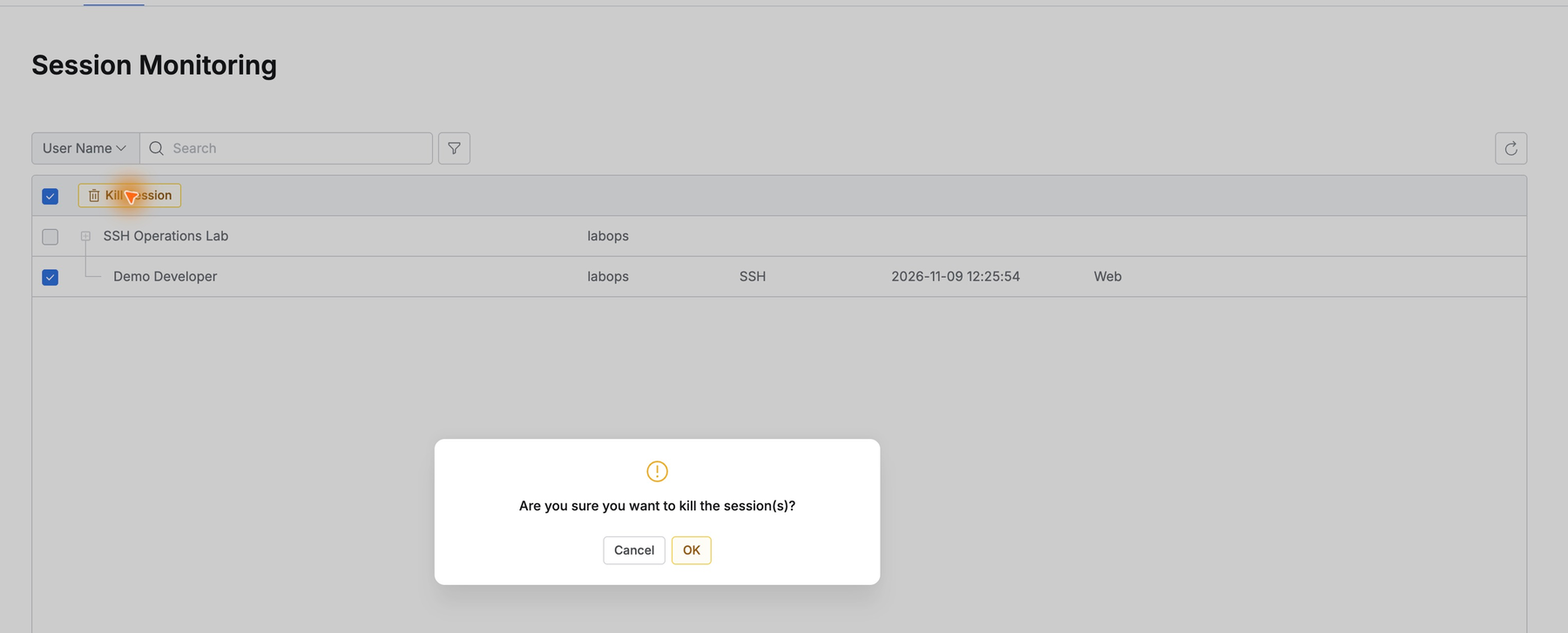
Under SSH Operations Lab, Demo Developer appeared with labops, SSH, Web, and connection time 12:25:54. User, account, and time helped identify the exact target.
I ran another short terminal command to confirm the connection was live, then selected it as administrator.
Terminating Only the Selected Session
Selecting the developer’s row revealed Kill Session. I clicked it and confirmed OK, targeting only the newly opened session.
The terminal reported ‘Connection closed by foreign host.’ The active connection ended through QueryPie without a separate OS-level session on the server.
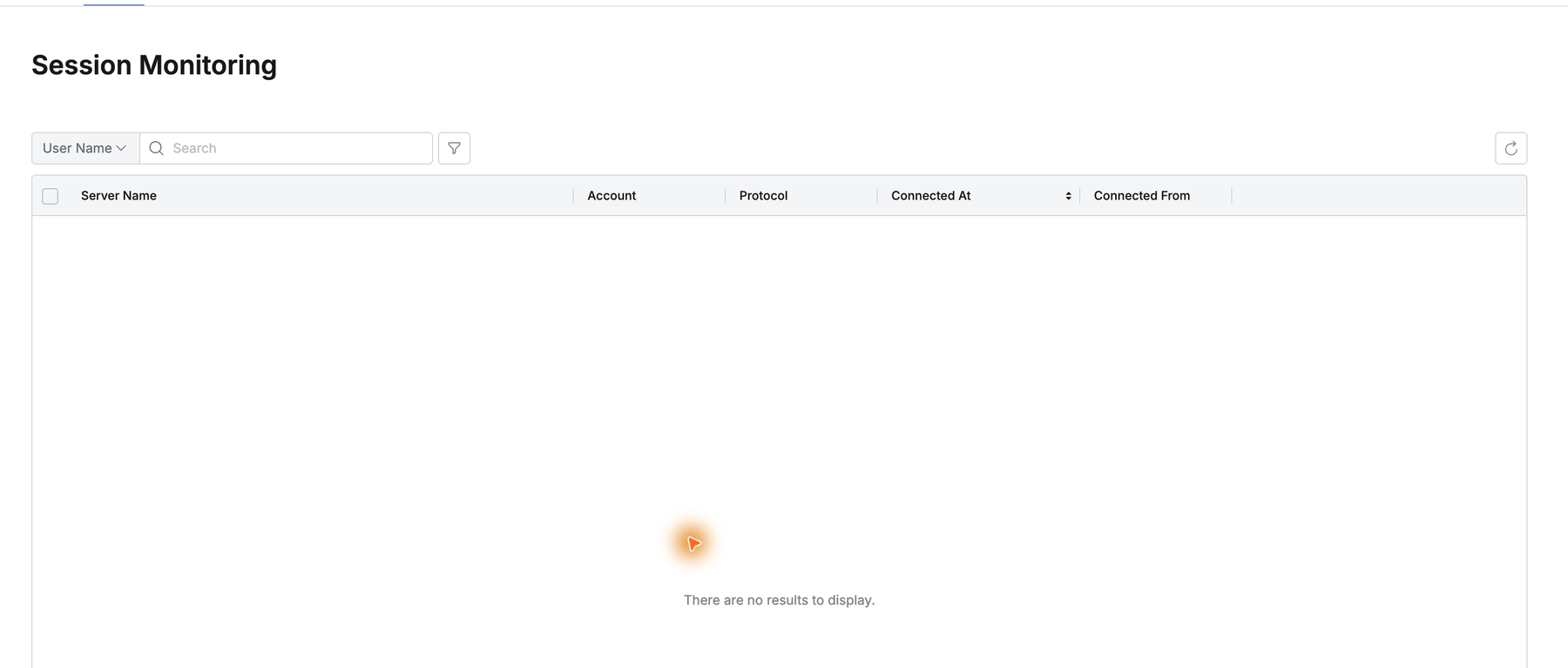
The entry disappeared from the administrator’s list. Selection, action, and confirmation stayed in the monitoring workflow.
Connection and Disconnection Times Remain in History
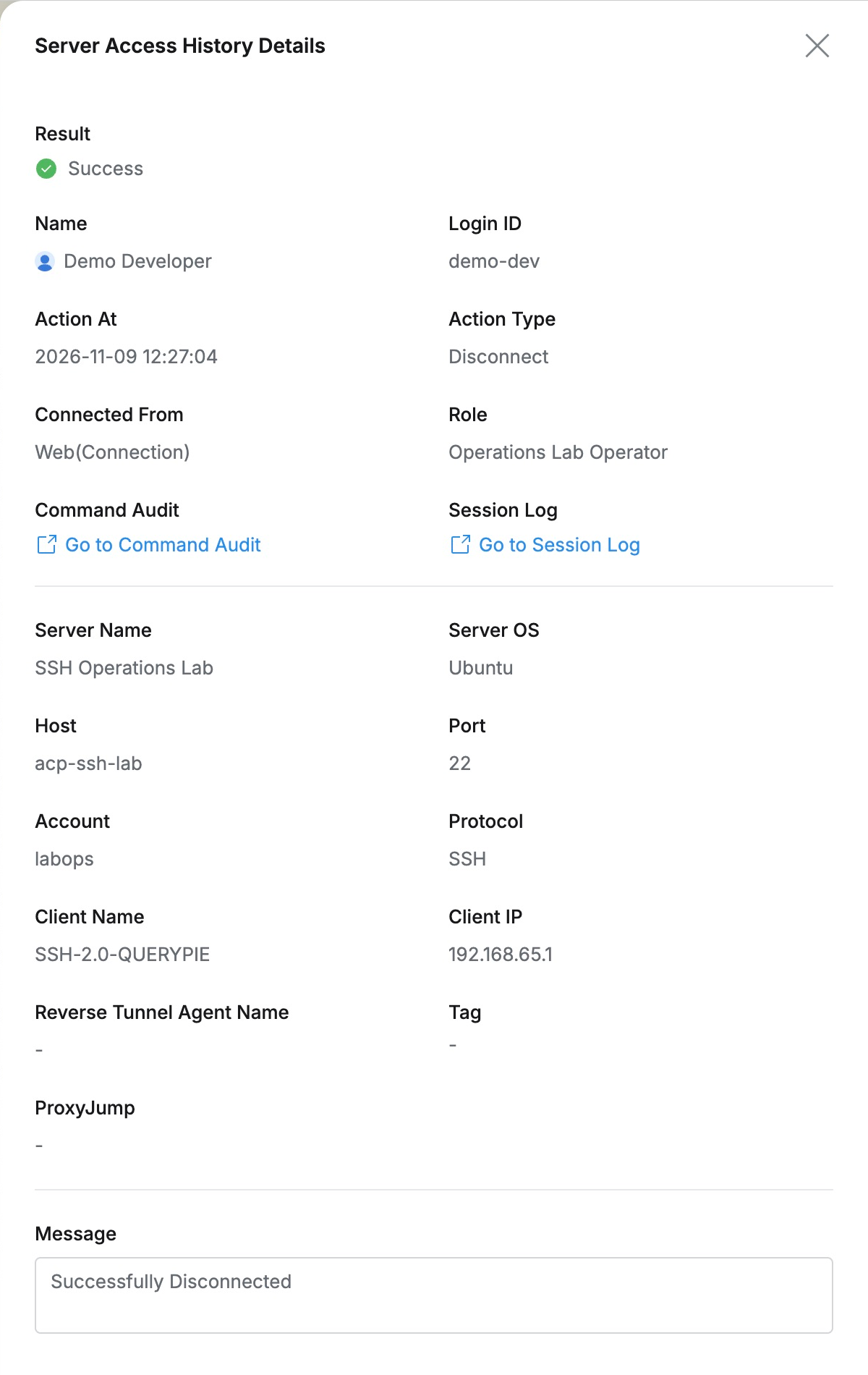
Server Access History recorded Connect at 12:25:54 and Disconnect at 12:27:04, both Success.
Disconnect details identified Demo Developer, Operations Lab Operator, labops, and SSH Operations Lab, with Successfully Disconnected. History showed who entered and left which server and when.
Ending the Connection, Retaining Access
I opened a new session with the same role and account, without regranting privileges or editing settings. I checked identity and time, printed EP30_NEW_CONNECTION_OK, and exited.
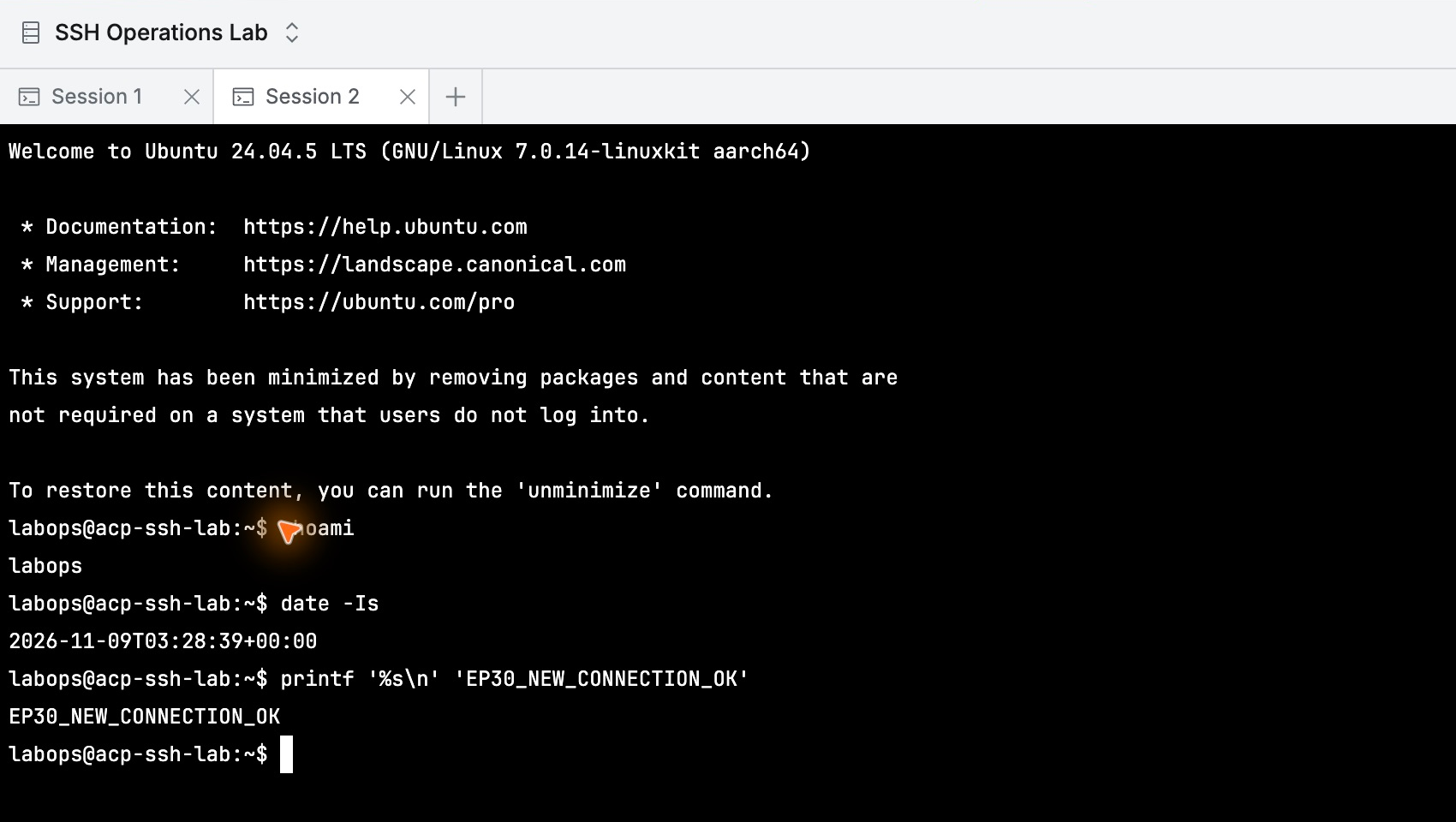
Terminating a connection and managing user privileges are clearly separate. Administrators can address only the necessary session while preserving ongoing work access.
This exercise used QueryPie Community 11.6.7 and a separate Ubuntu server; users and server were for the lab.
Reference: Session Monitoring · Server Access History