[Part 46] Changing a Server Account Password in QueryPie
November 13, 2026
Changing passwords also requires checking new access and informing operators. At scale, tracking which account changed when is challenging.
I changed a test password with Password Provisioning, then connected as a user and ran commands. Managing rotation and access in the same system was convenient.
Choosing the Server and Account
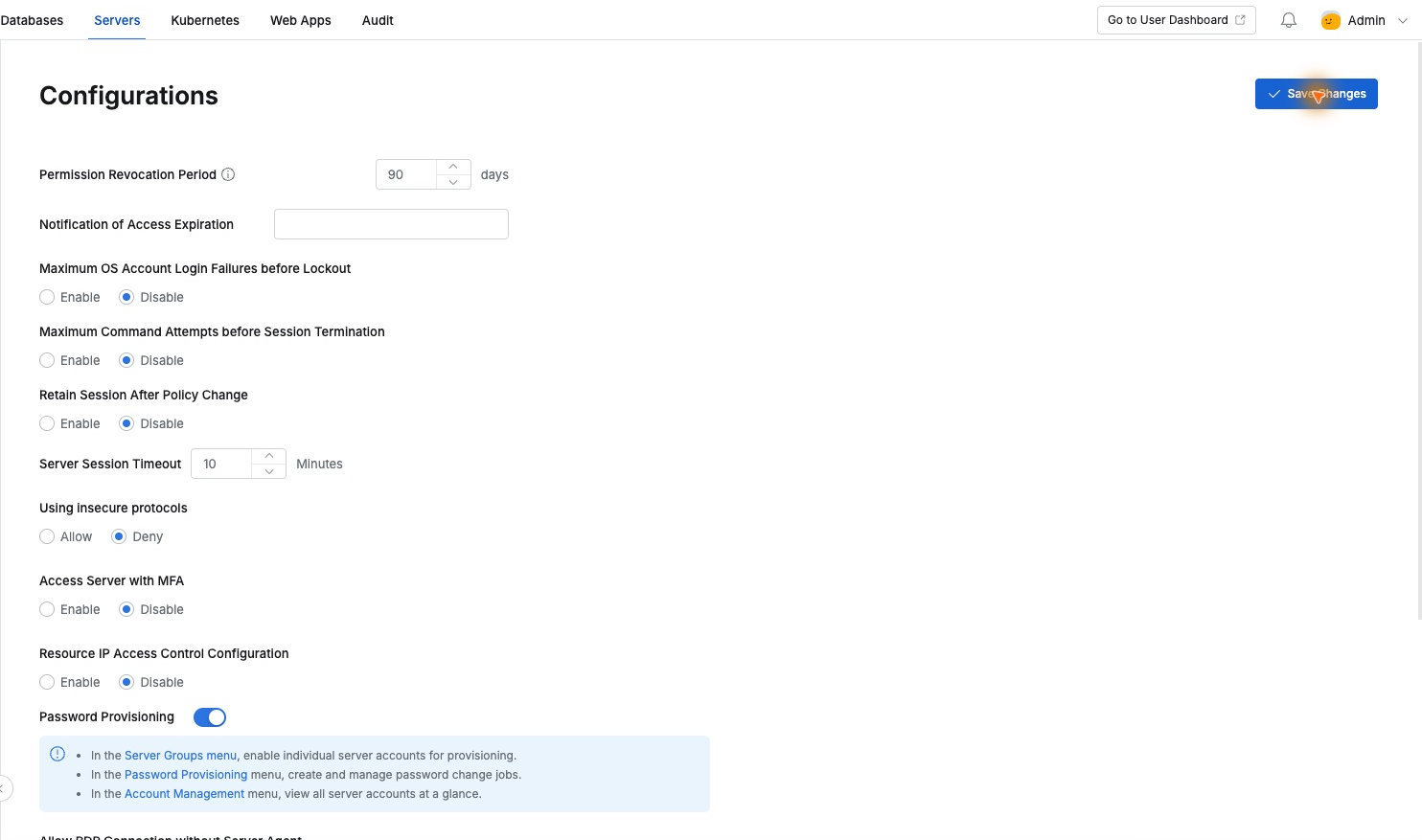
I prepared a separate Ubuntu server and rotateops account. Enabling Password Provisioning in Servers → Configurations exposed jobs and account-status management.
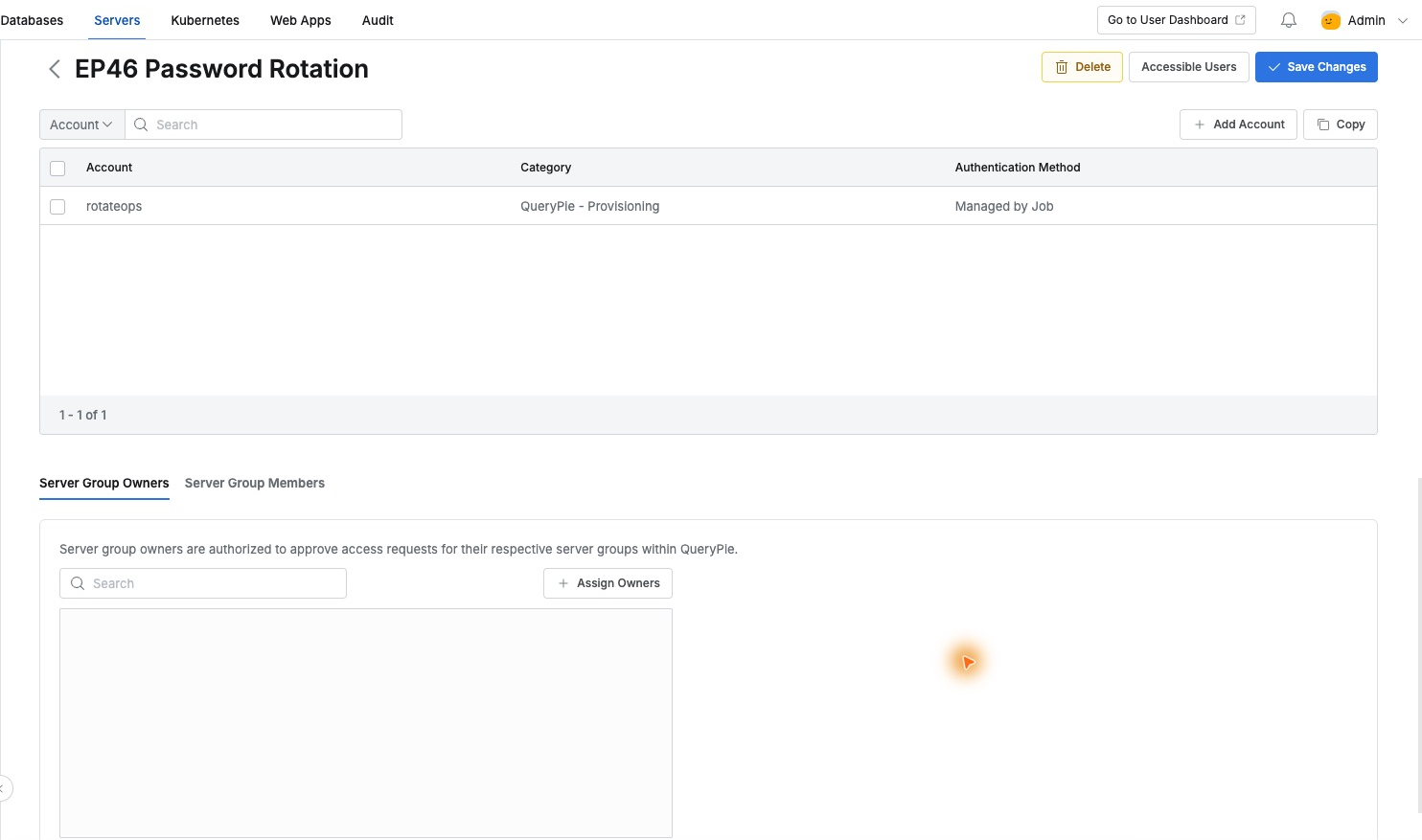
A dedicated group contained only this server. I registered the account as QueryPie - Provisioning . The saved authentication method was Managed by Job, clearly indicating management through password-rotation jobs.
Creating a Job for One Server and Account
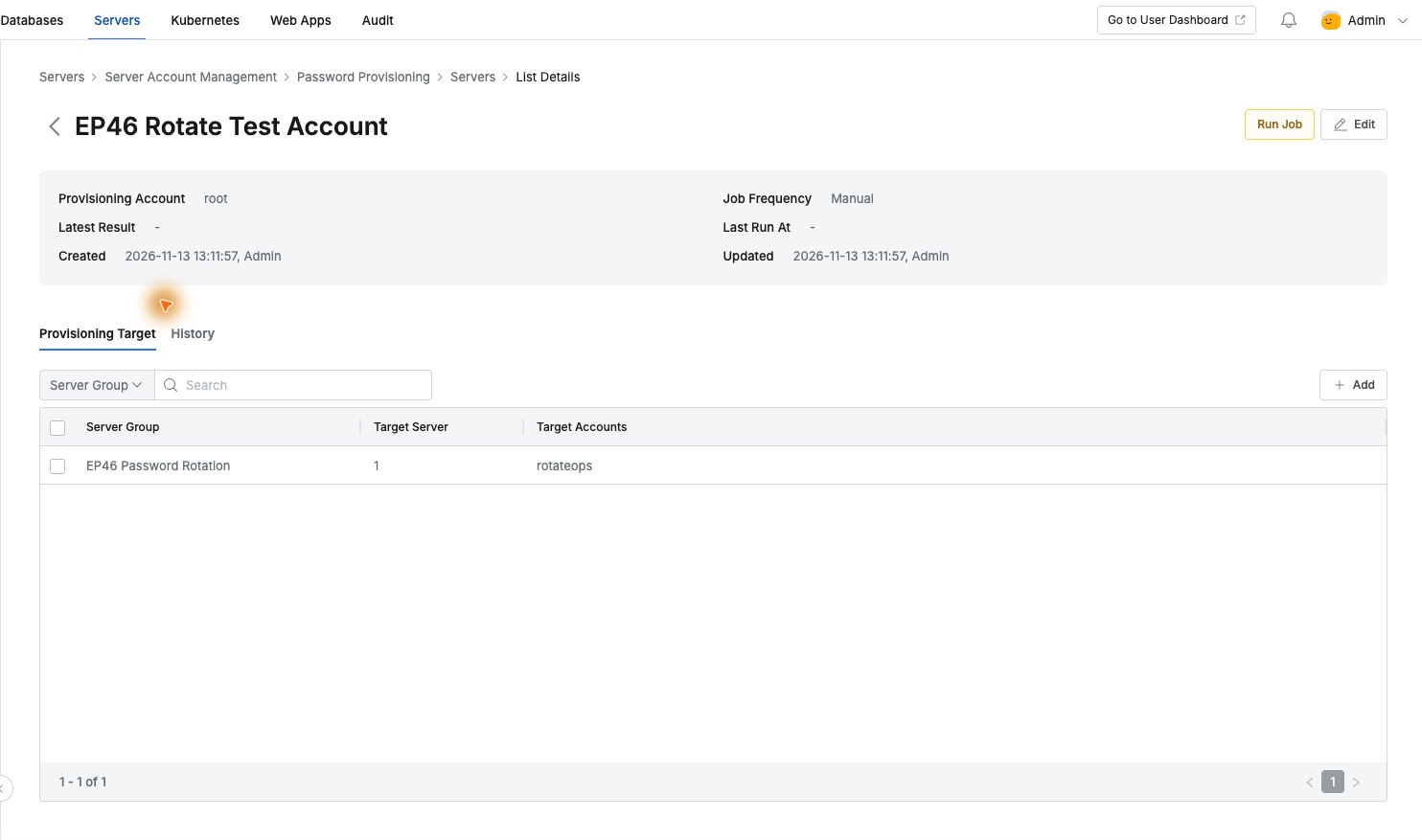
In Password Provisioning, I created EP46 Rotate Test Account for the dedicated group. Target Server 1 and Target Accounts rotateops confirmed scope before execution.
The password-changing account was separate from the login account: an isolated-server administrator performed rotation, while users connected as rotateops. Execution was Manual.
Checking Results per Account
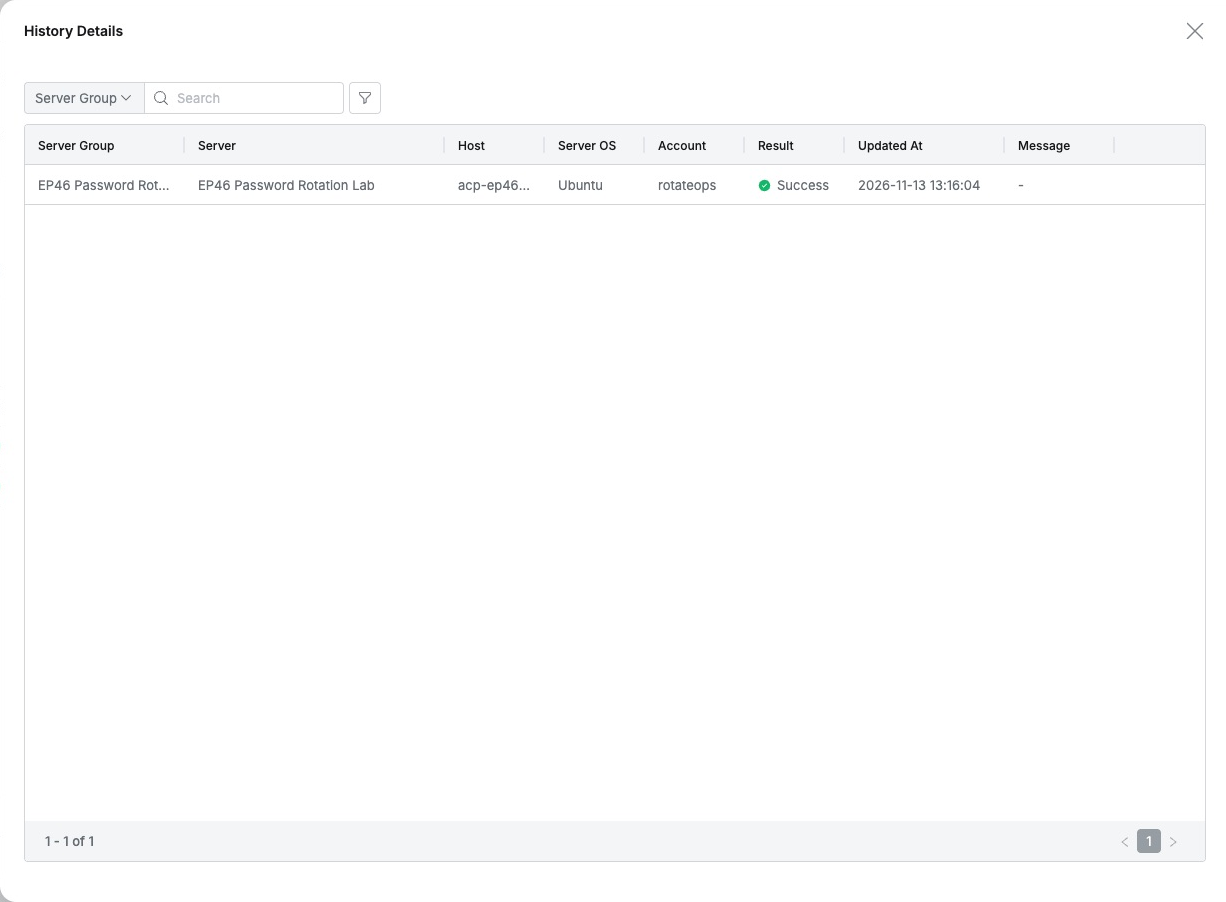
Run Job finished Completed. History details showed rotateops Success. I also verified the password changed on the server itself.
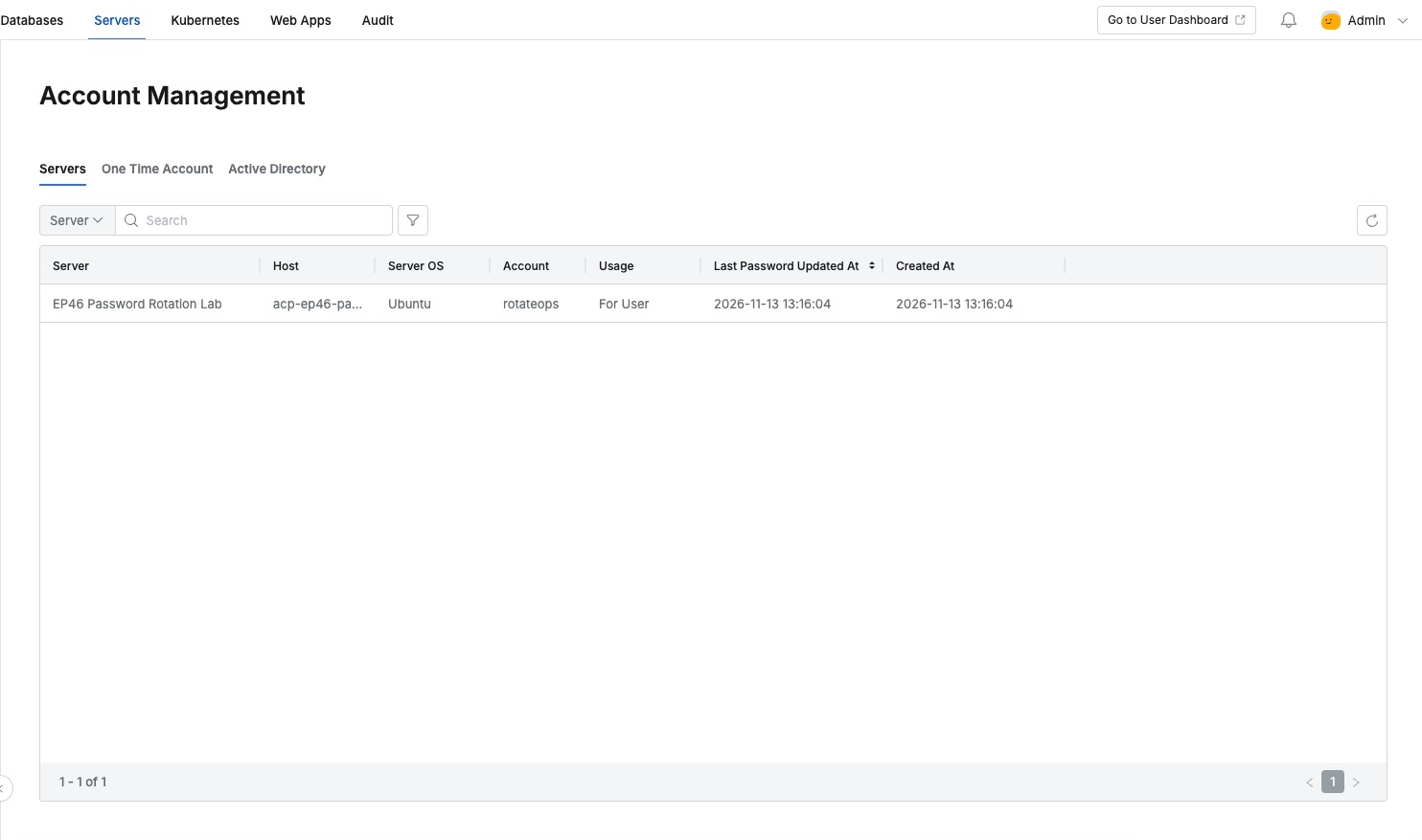
Account Management listed server, account, purpose, and Last Password Updated At, recording this change at 13:16:04. Last-rotation times per account avoid separate manual tracking.
Connecting Without Entering the New Password
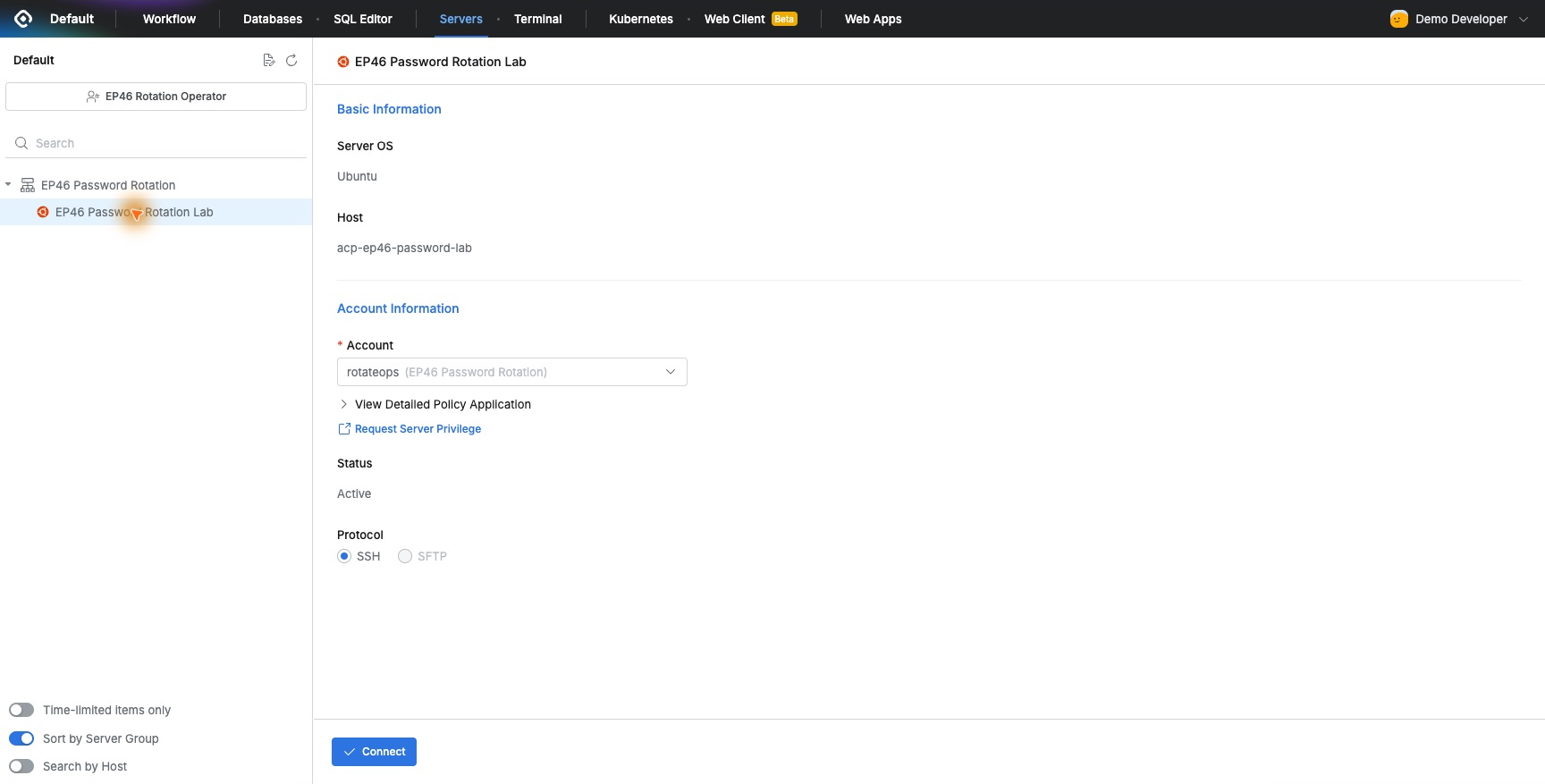
The assigned user role showed rotateops Active. Connect worked without finding and typing the newly changed server password.
whoami, hostname, and pwd returned rotateops, acp-ep46-password-lab, and /home/rotateops. Authorized work remained possible after rotation.
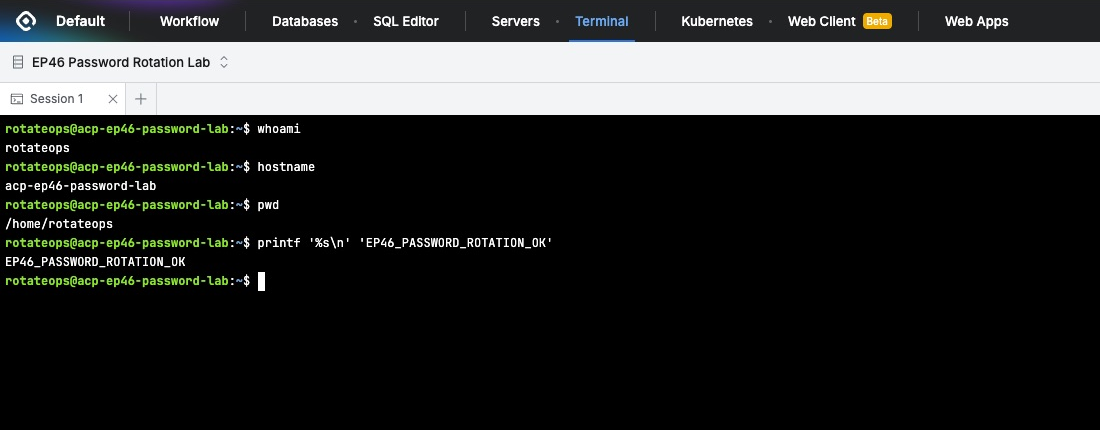
The administrator rotates credentials while users continue through assigned QueryPie access, reducing redistribution of each new password.
Password Management and Access History Together
Server Access History showed Demo Developer at 13:17:24 using EP46 Rotation Operator and rotateops, result Success.
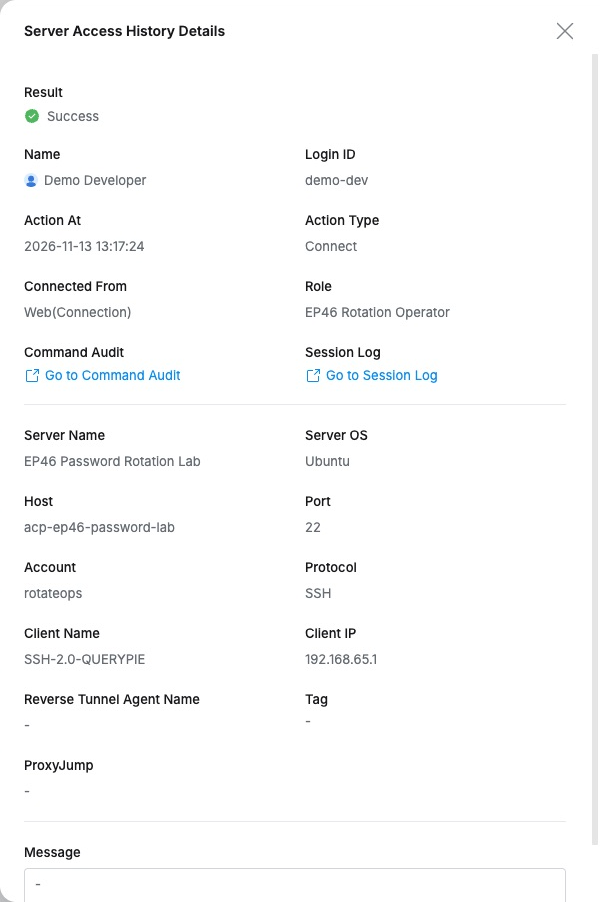
Rotation was visible in Password Provisioning/Account Management; the person using it was visible in access history, even with a server account shared for work.
One account’s rotation and fresh connection showed a practical combination: password jobs, user access, and history together, with simple user connection steps even under regular password management.